

ERP core
From quoteto invoice.
Quotes, orders, deliveries and invoices, connected. Keep customer details, products and prices together at every step.
 Try the demo

Documents · In the plans
One engine, one numbering, no retyping.
A quote becomes an order, an order ships, an invoice goes out — and it is the same record changing state, not four documents typed four times. Numbers are drawn atomically so two documents can never collide, the electronic invoice travels to the exchange system and back, and what fails arrives as work to fix, not as silence.
Availability depends on your Equinox plan.
Features
Inside the module.
Explore the working areas, records and tools available in this module.
Self-invoices
VAT integration on foreign purchase invoices and reverse charge.
Expenses
Manage business expenses and reimbursement requests
Financial Statements
Analyze revenue, expenses, and profits with real-time metrics
Intervention Reports
Manage intervention reports and billing
Quotes
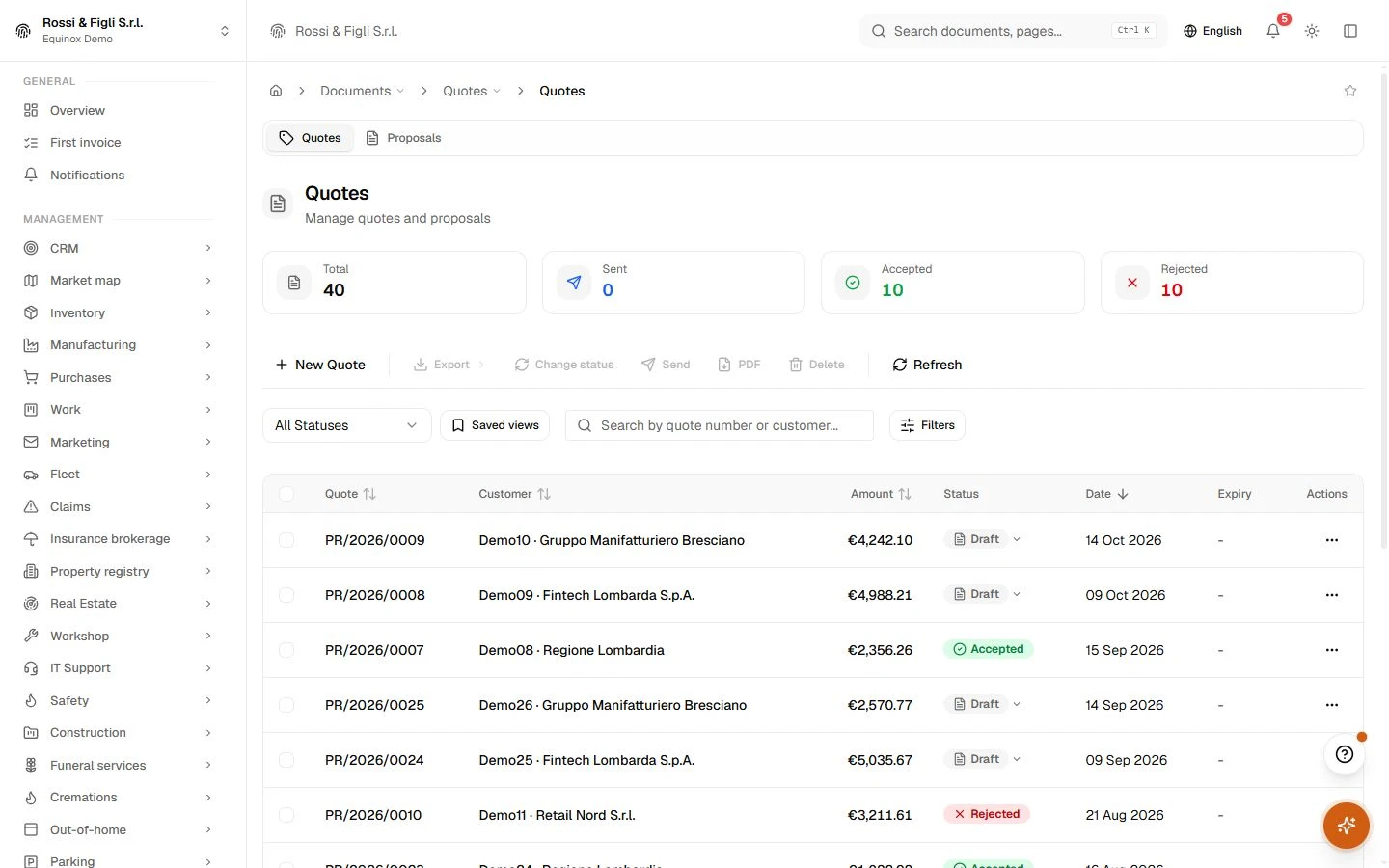
Manage quotes and proposals
Aging Report
Aging analysis of due and overdue invoices
Sent e-invoices
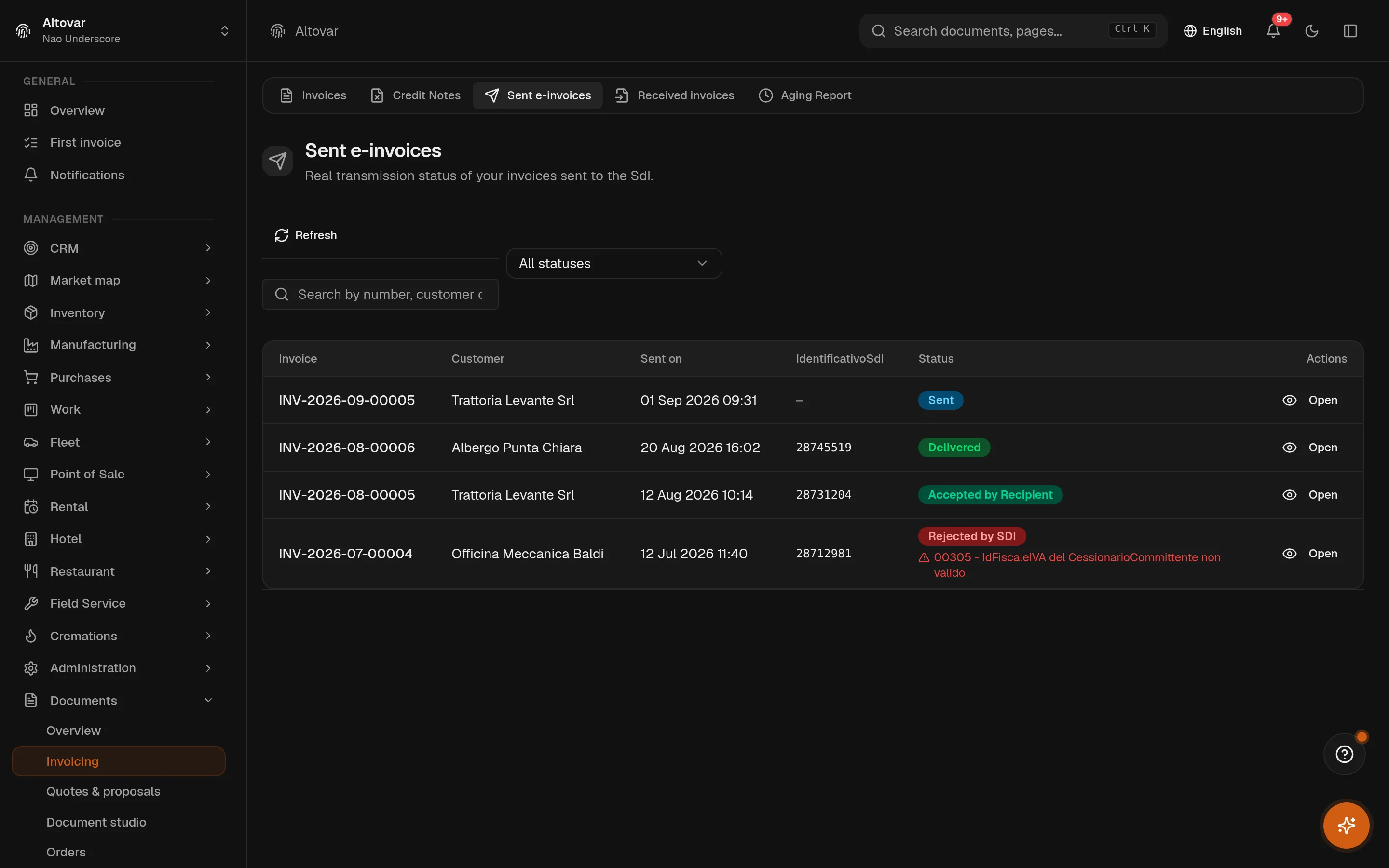
Real transmission status of your invoices sent to the SdI.
Shipping Documents
Manage shipping documents and track deliveries
Signatures
Send documents for signature and track signer status
Received electronic invoices
Review received invoices, their supplier details and the associated electronic documents.
Invoices
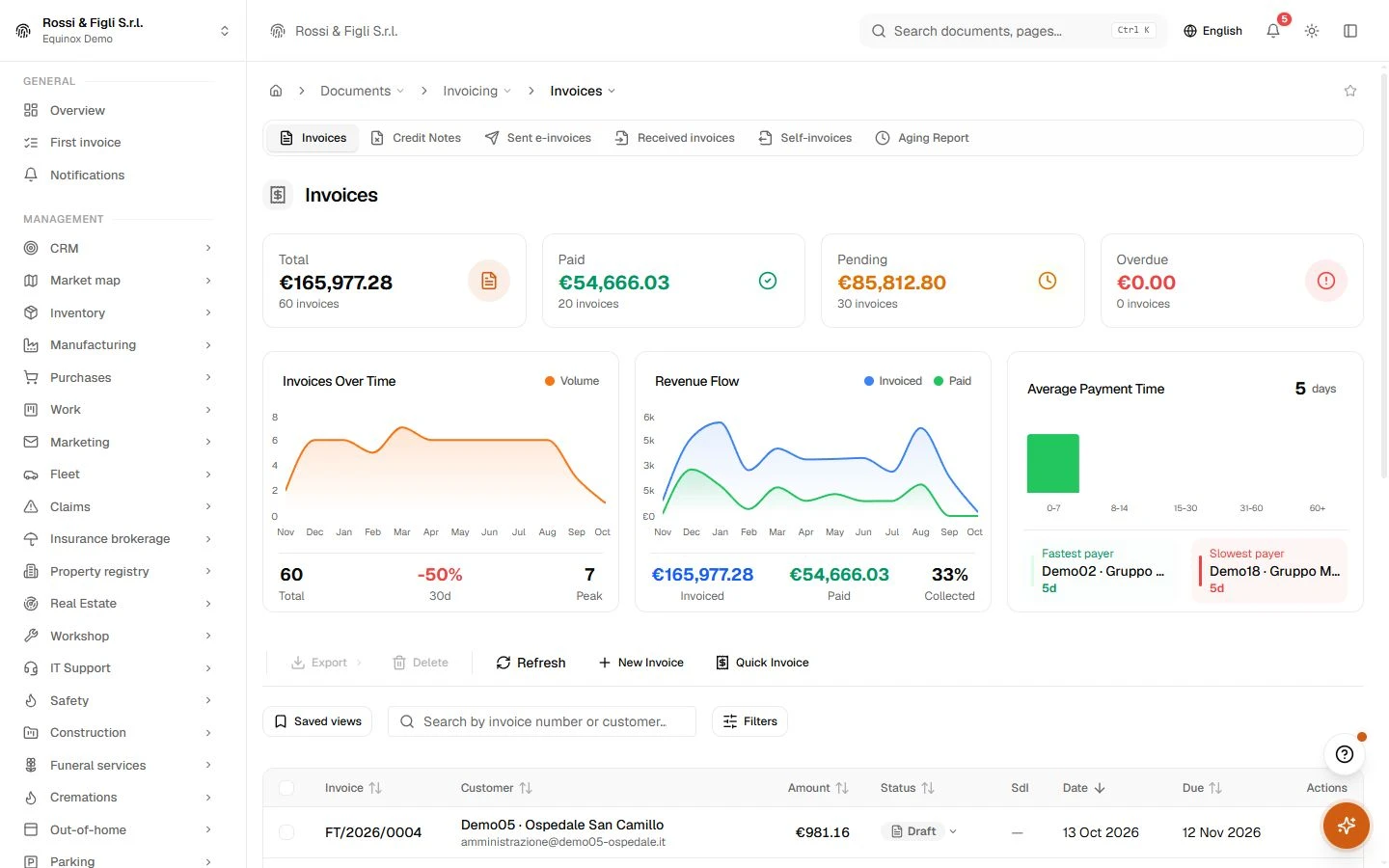
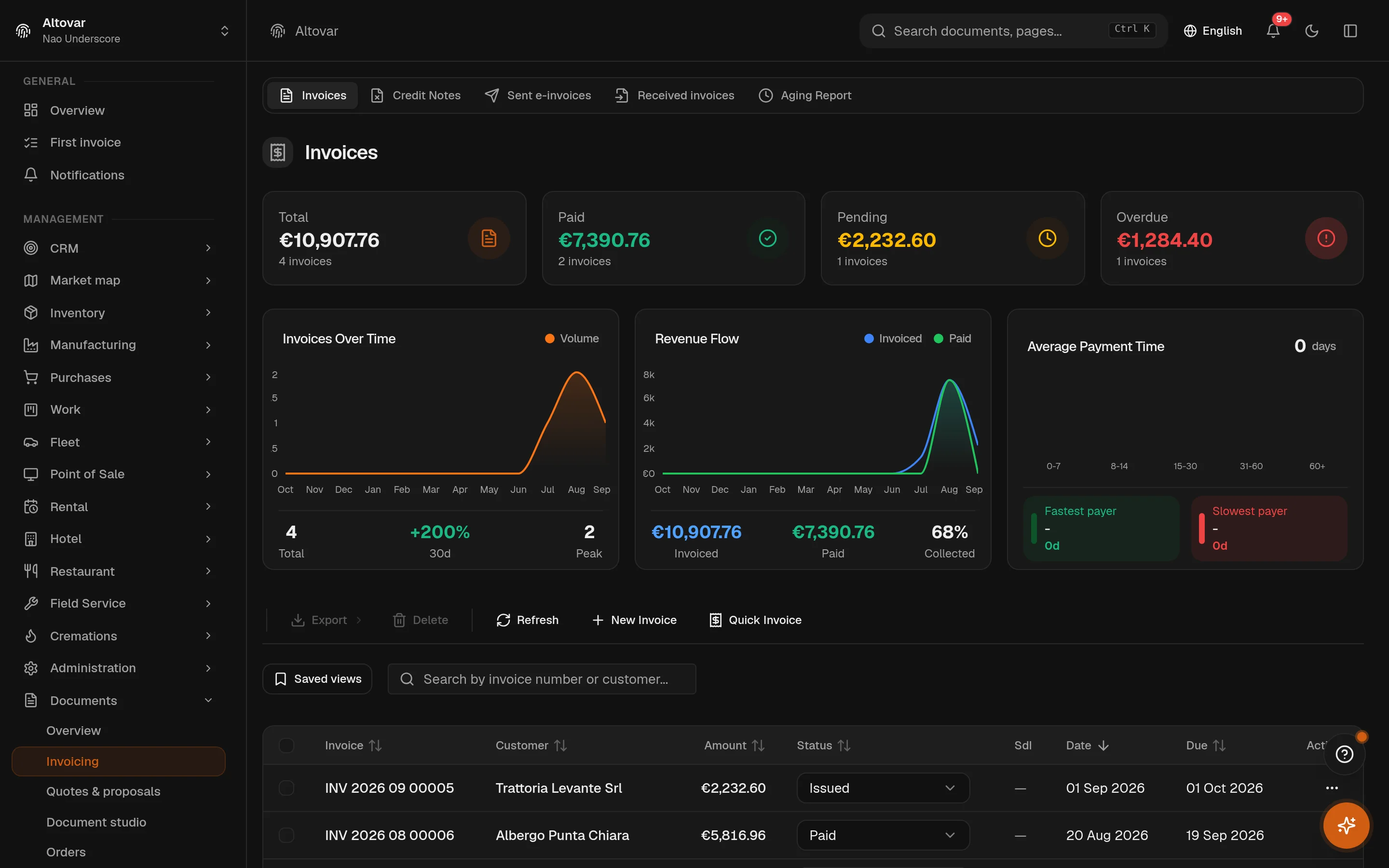
Prepare invoices with customers, product lines, payment terms and document status.
Credit Notes
Issue credit notes linked to their original invoices.
Orders
Follow sales orders with customer, product, quantity and delivery information.
Document studio
Draft documents with AI support and review the preview before completing them.
No matching features. Try a different word.
Documents
How it works
From quote to invoice, one record
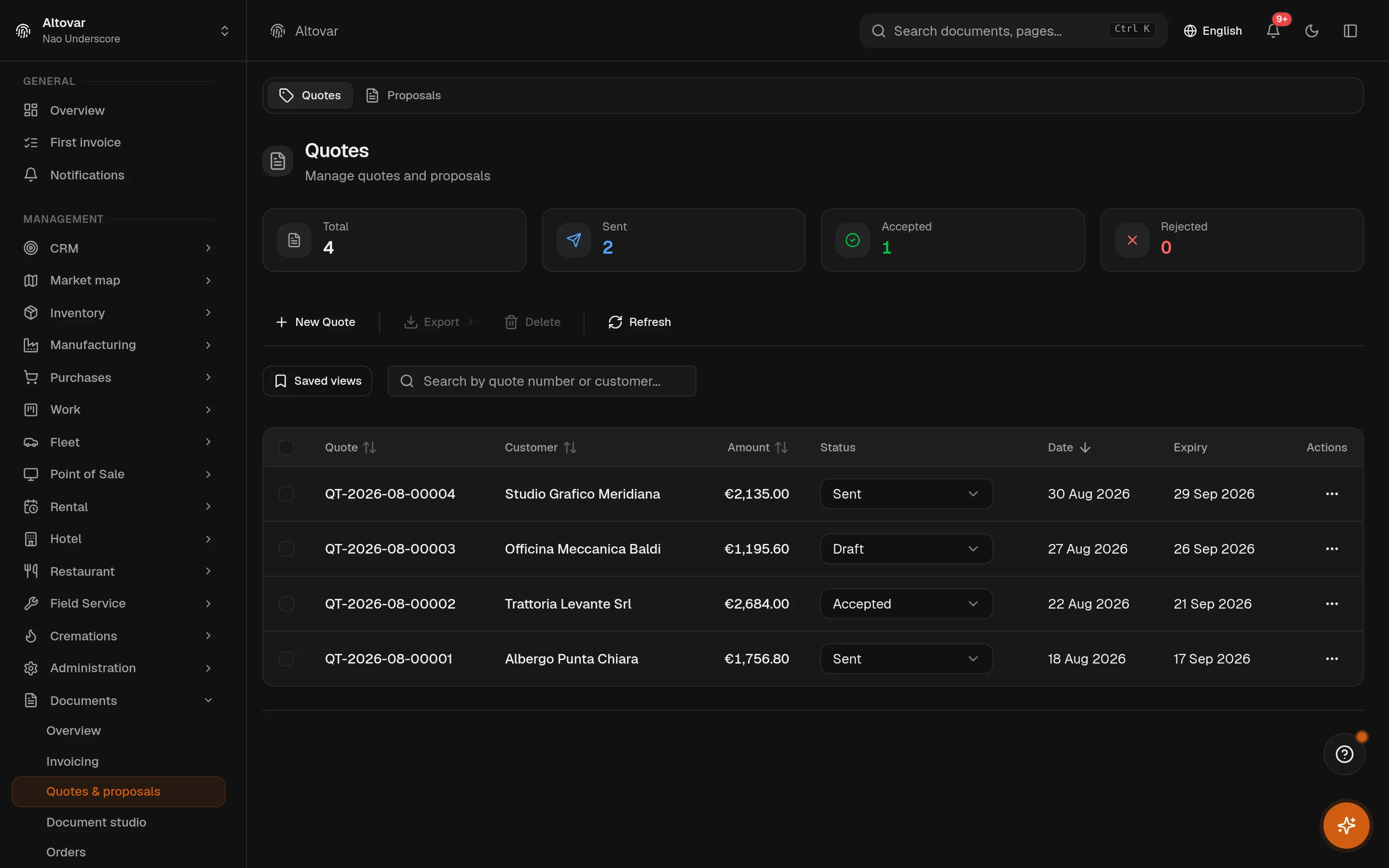
A quote that gets accepted converts into an order; a quote can also become its invoice directly. Lines, customer and terms travel with the conversion, and the number is drawn from the destination sequence at the moment of creation — so nothing is retyped and nothing diverges. Delivery notes link to their order, and intervention reports, expenses and financial statements run on the same engine with their own sequences.
Invoices that know Italian fiscality
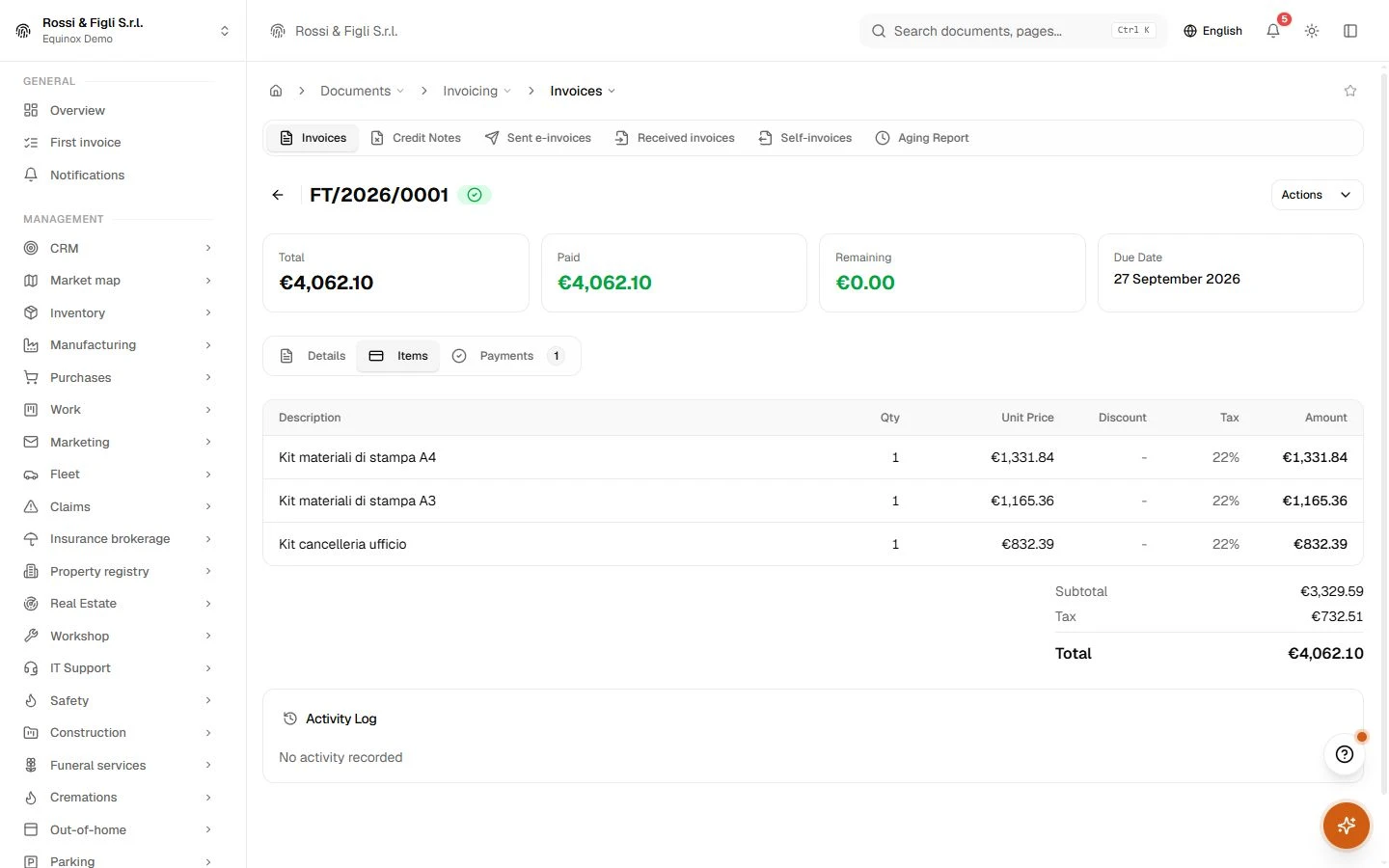
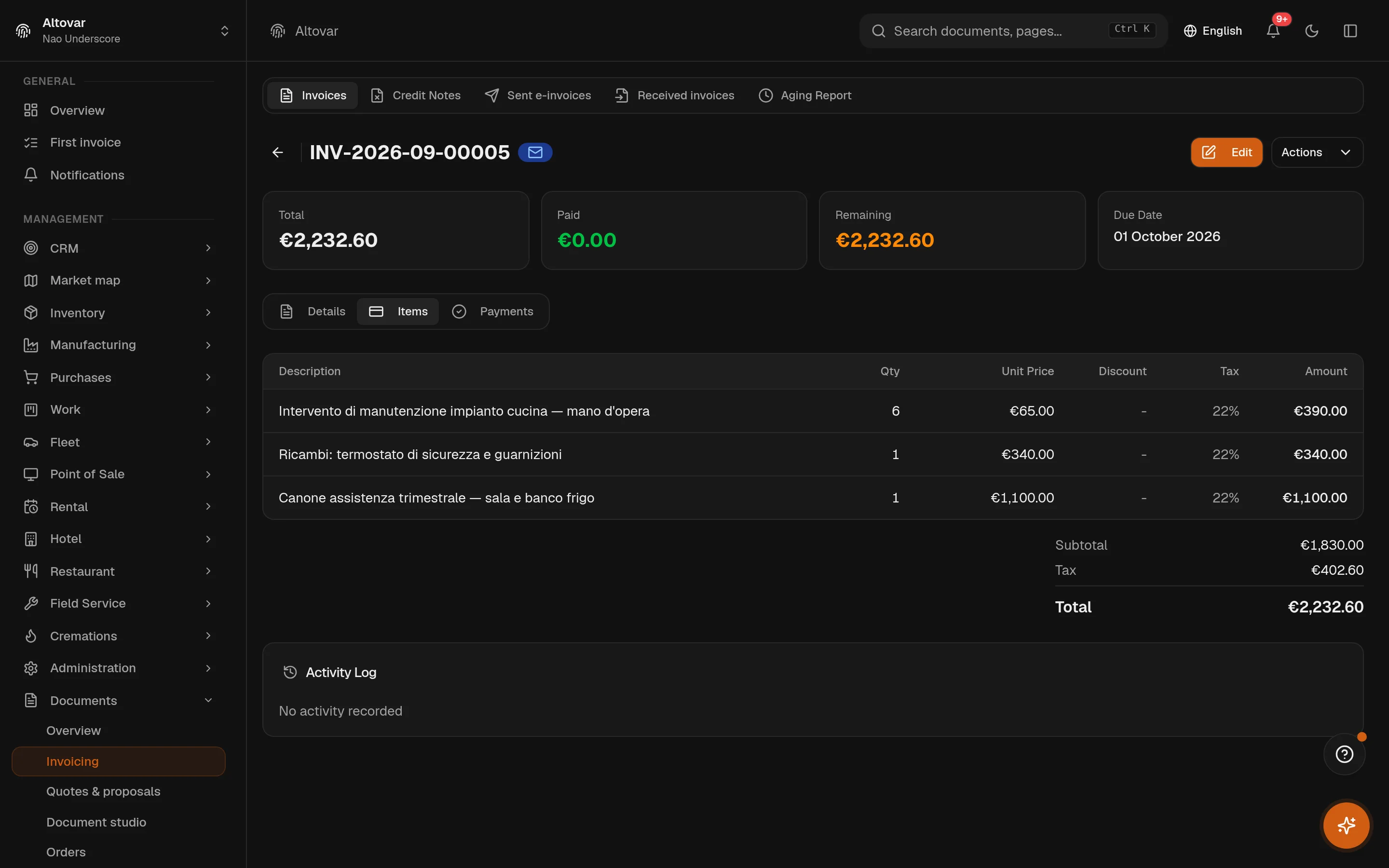
The invoice carries what an Italian invoice actually needs, computed by rule rather than remembered by the operator: the €2.00 stamp duty from its legal threshold, withholding tax and professional pension funds from the issuer profile, split payment and reverse charge marked per line where they belong. The PDF is rendered in-house on themes you can adjust per document type.
- Credit notes
- Issued against their invoice, on their own sequence, with the link kept — not free-floating negatives.
- Aging built in
- Overdue receivables grouped in five buckets per customer, straight from the issued invoices.
The exchange system, both ways
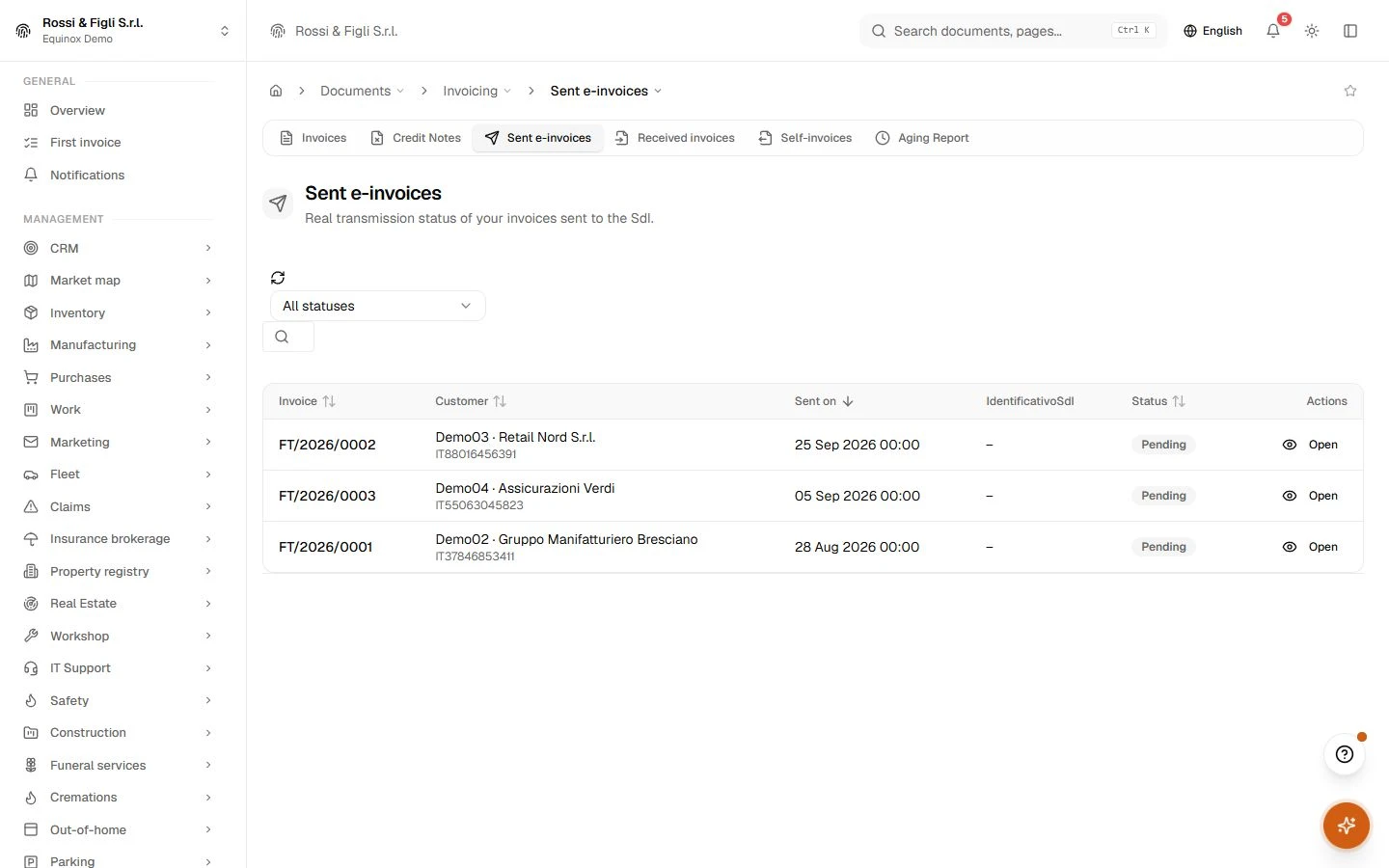
Equinox builds the FatturaPA 1.2.2 XML, transmits it, and follows every notification back — delivered, rejected, not delivered, outcome — storing each one with its raw XML beside a snapshot of what was sent. Inbound, received electronic invoices arrive on their own list; the ones that match no active issuer go to quarantine for triage instead of disappearing. A rejection is a work item, not a surprise at month end.
Signature, without the ceremony
Send a document for signing and collect a simple electronic signature drawn on screen: the result is sealed with a certificate carrying the document hash, the signer, the timestamp. And when a counterparty signs with their own qualified tool, Equinox validates the signed file they upload — it checks, it does not lock you into anyone.
- Numbering
- 9 sequencesinvoices, credit notes, quotes, orders, delivery notes, expenses, statements, intervention reports and receipts each draw from their own sequence — atomically, per company and per month, with collisions retried at the database.
- E-invoicing
- 6 outcomes trackeddelivery receipts, rejections, missed deliveries and outcome notices from the exchange system are stored with their raw XML, next to a snapshot of exactly what was transmitted.
- Stamp duty
- €2.00, by ruleapplied automatically from the €77.47 exempt-base threshold — in the XML and in the invoice total, not just one of the two.
- Signature
- Sign or verifya built-in simple electronic signature with a hash-sealed certificate — plus validation of files your signers sign with their own qualified tools.
In practice
The work, step by step.
Explore the activities this module brings together. Choose a step to see what you can manage.
Quote
Prepare quotes with customer details, product lines and prices.
Order and delivery
Manage sales orders and the documents accompanying your deliveries.
Invoice
Issue invoices and credit notes, then check their status.

Start with the way you work.
Equinox
Start with the way you work.
Tell us about your processes. We can identify the modules and configuration that fit your business.
Talk about your project