 Try the demo

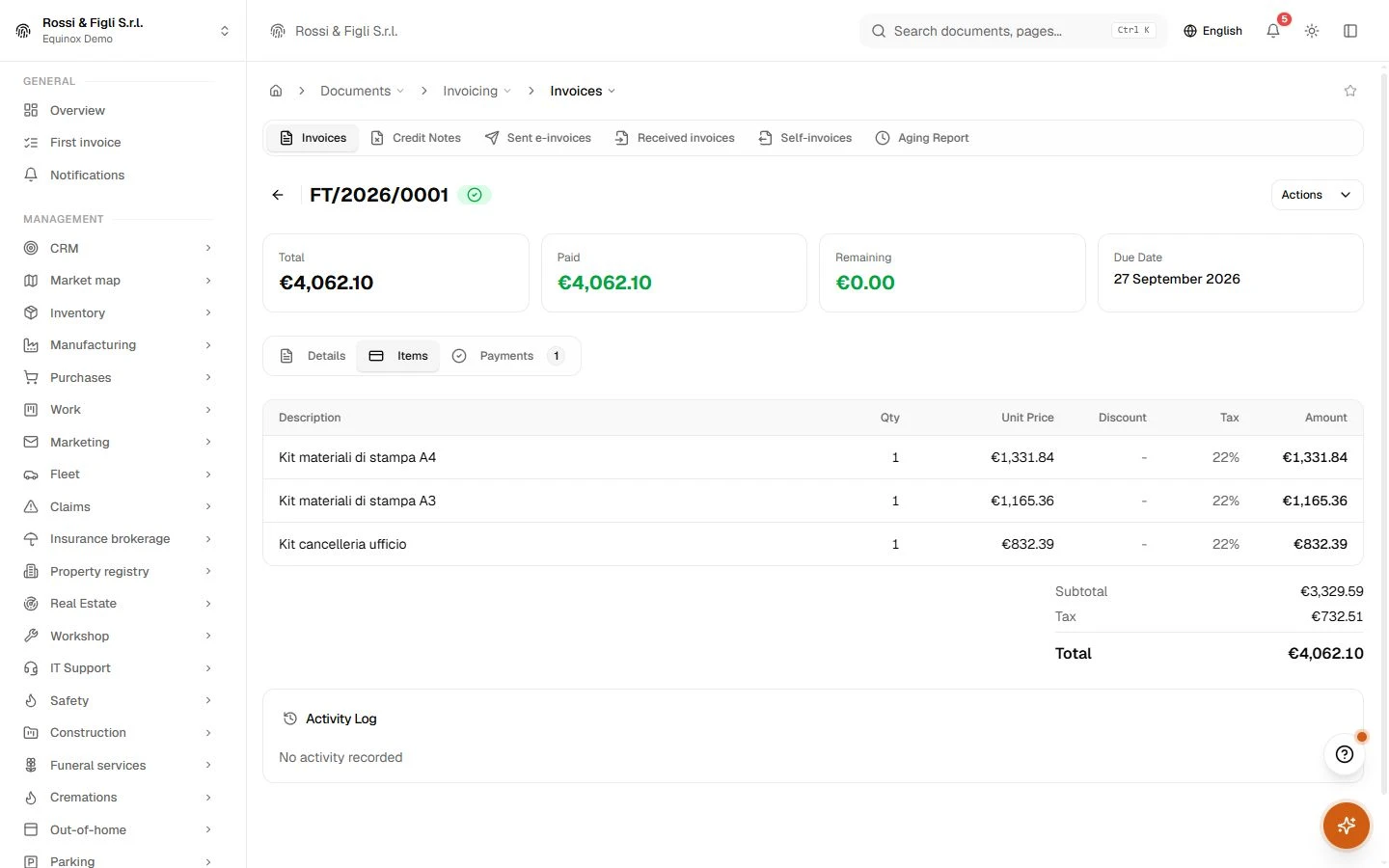
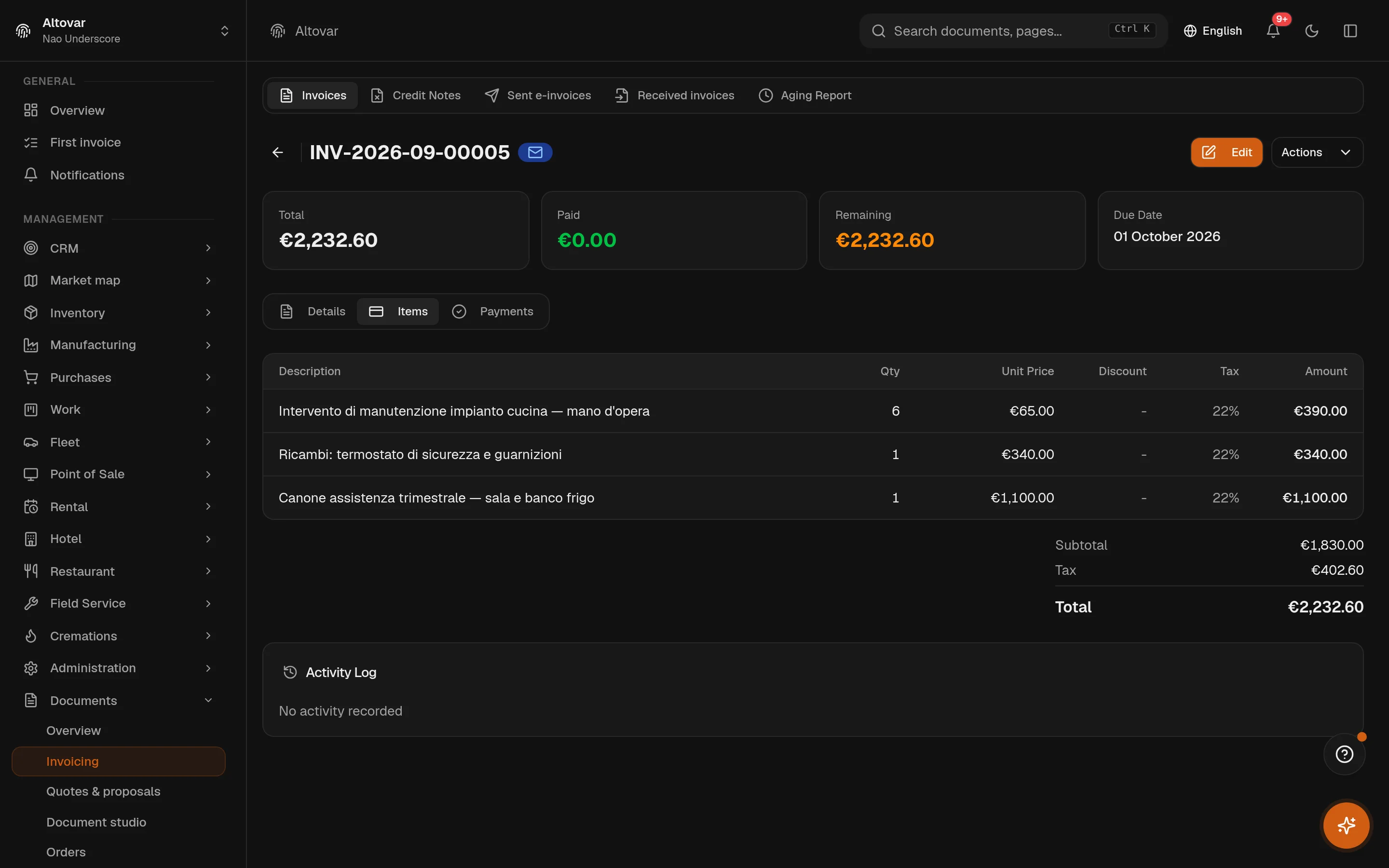
Electronic invoicing
Documents that travel, return and stay traceable.
Create Italian electronic invoices, follow the exchange system outcomes, receive supplier invoices and keep signatures beside the document they belong to.
Open the moduleEquinox — the ERP by Altovar
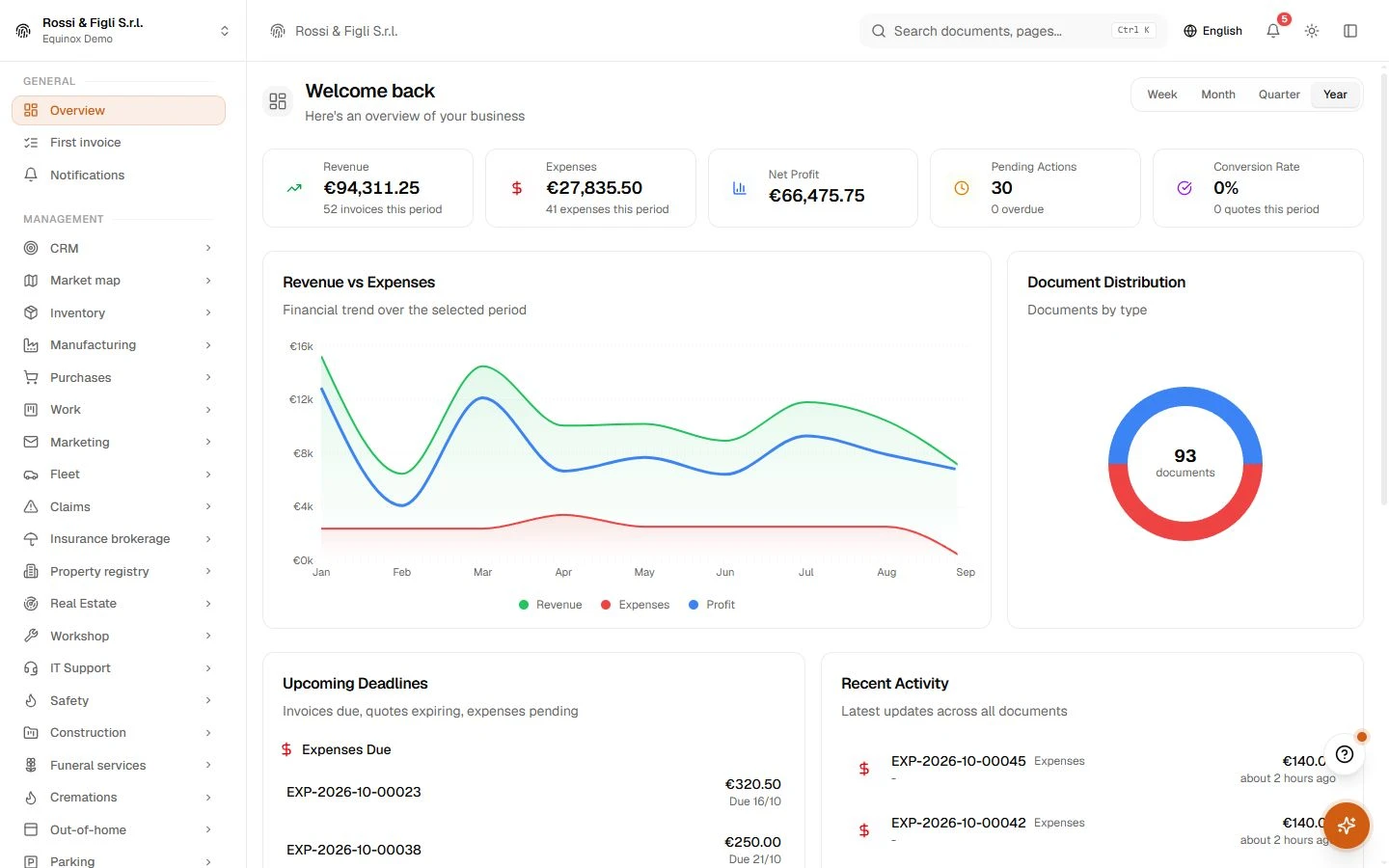
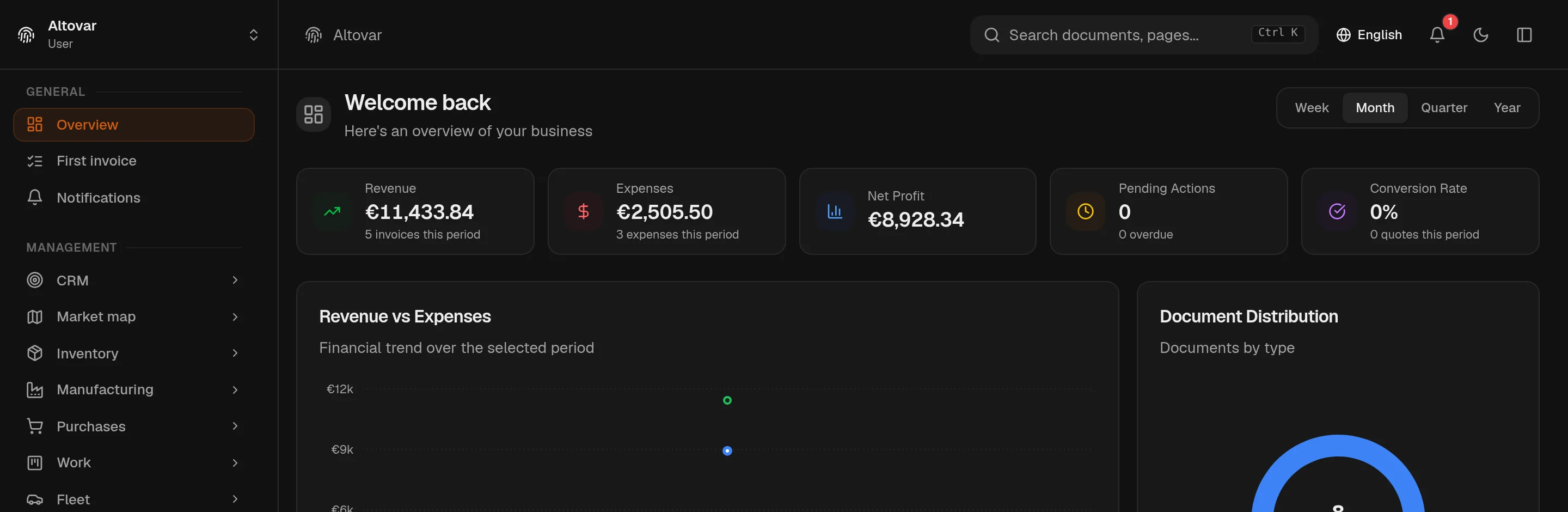
Sales, purchasing, inventory and accounting, connected in Equinox. Follow work across departments and find every record in one place.
Solutions
Explore the flows that run across Equinox: documents, controls, operations, automation and permissions.
Electronic invoicing
Create Italian electronic invoices, follow the exchange system outcomes, receive supplier invoices and keep signatures beside the document they belong to.
Open the module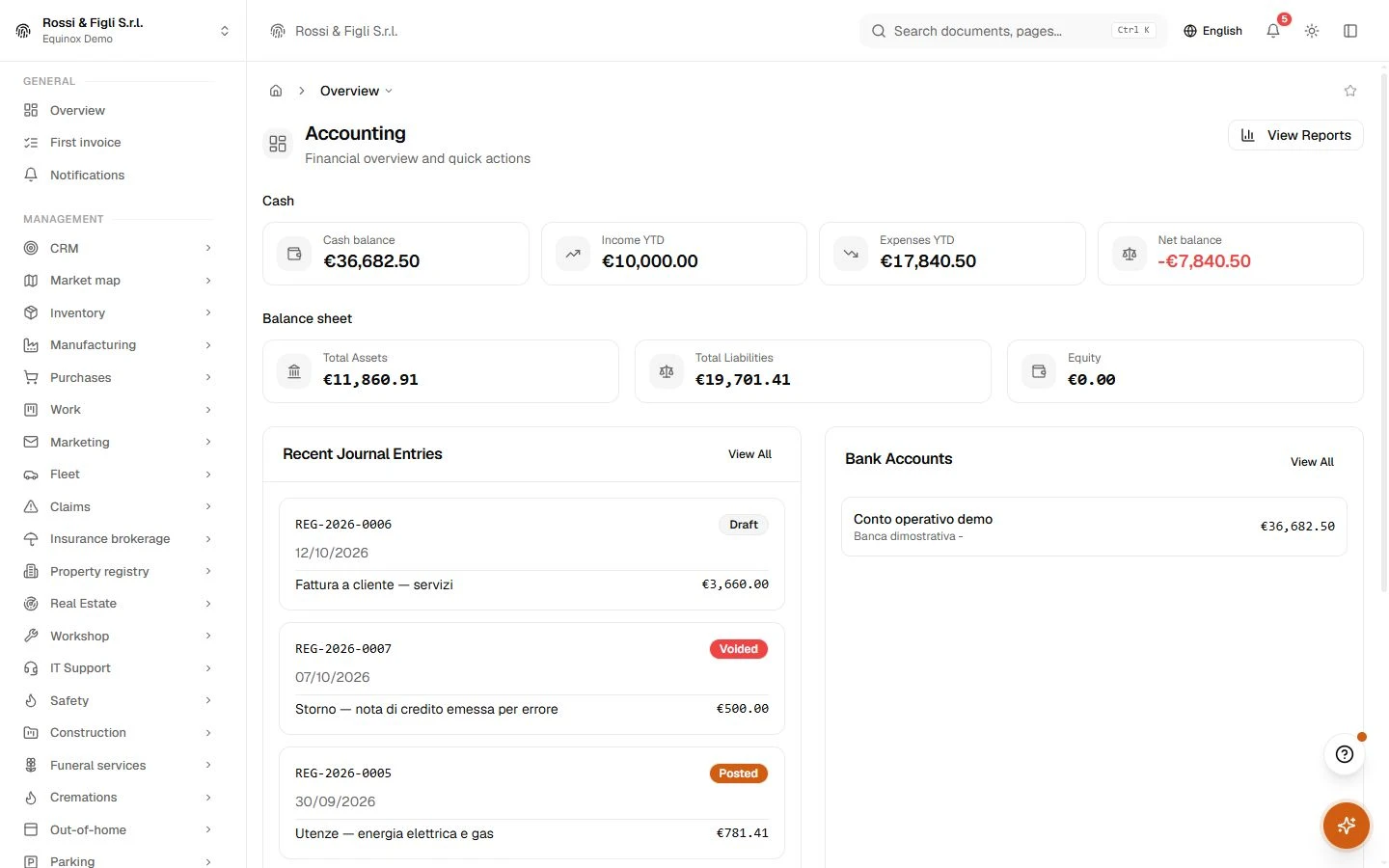
Finance and control
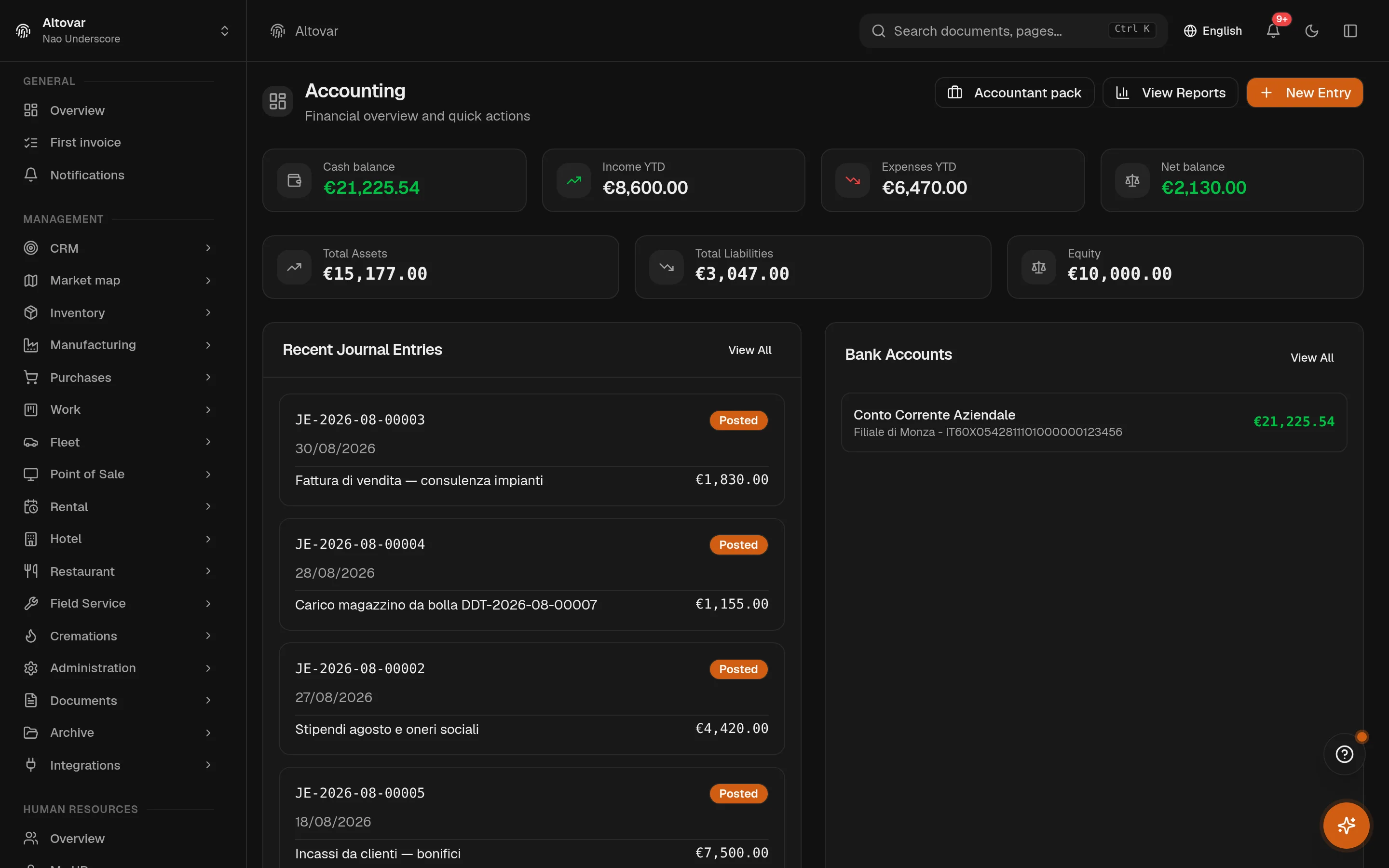
Double entry, VAT, assets and statutory reports share the same data, rules and company boundary.
Open the module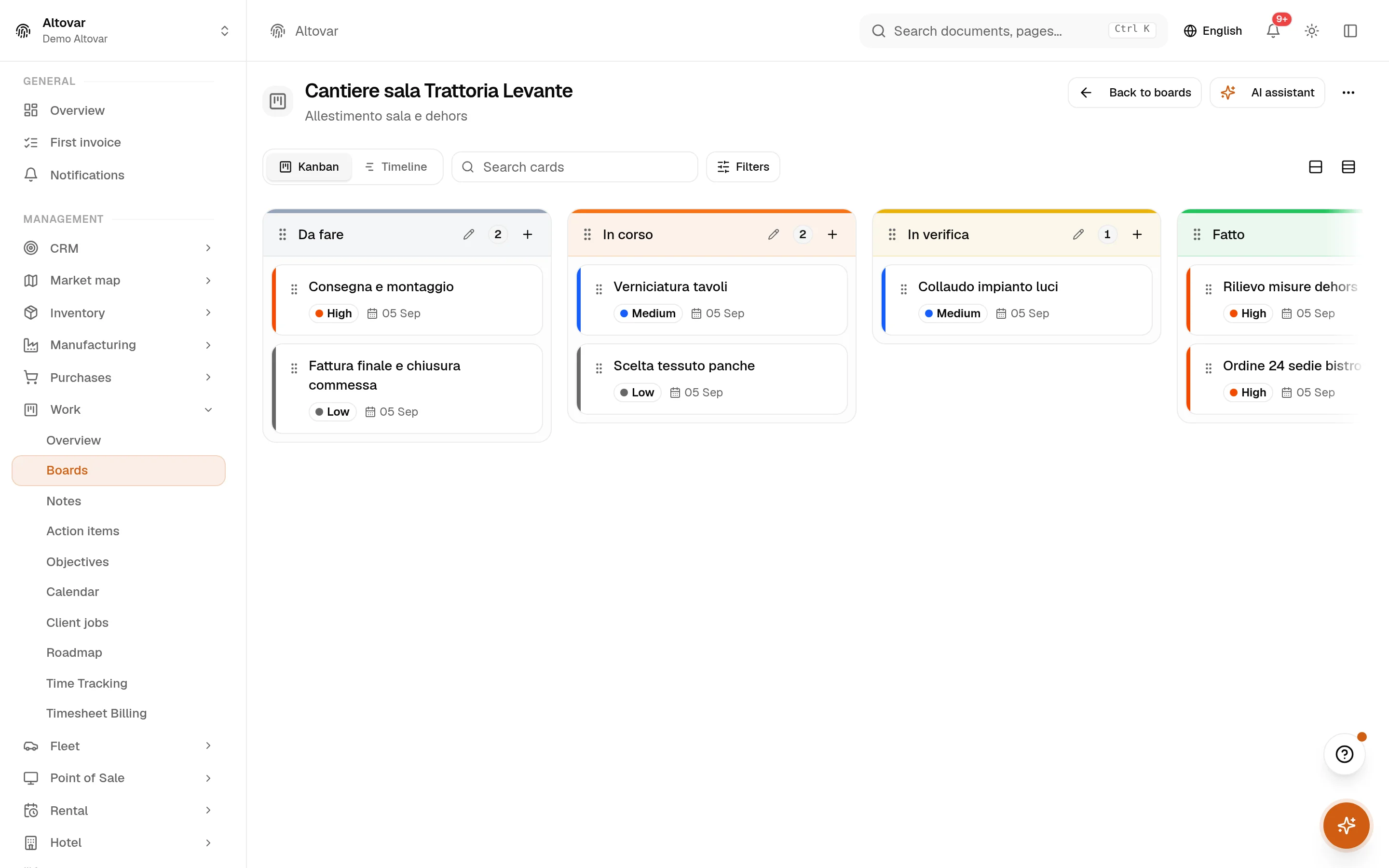
Sales and operations
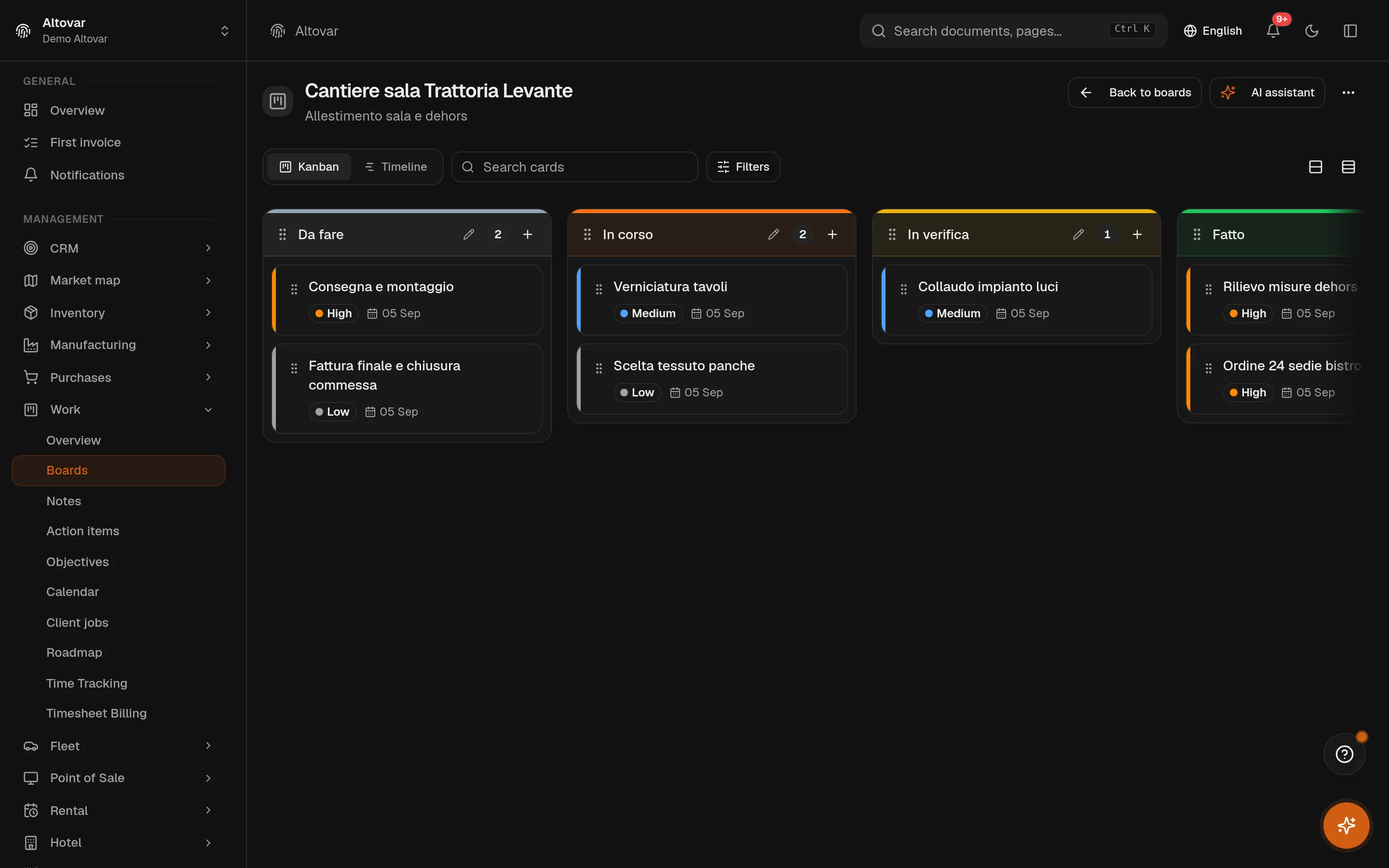
Customers, deals, projects and stock stay connected from the first conversation to delivery.
Open the module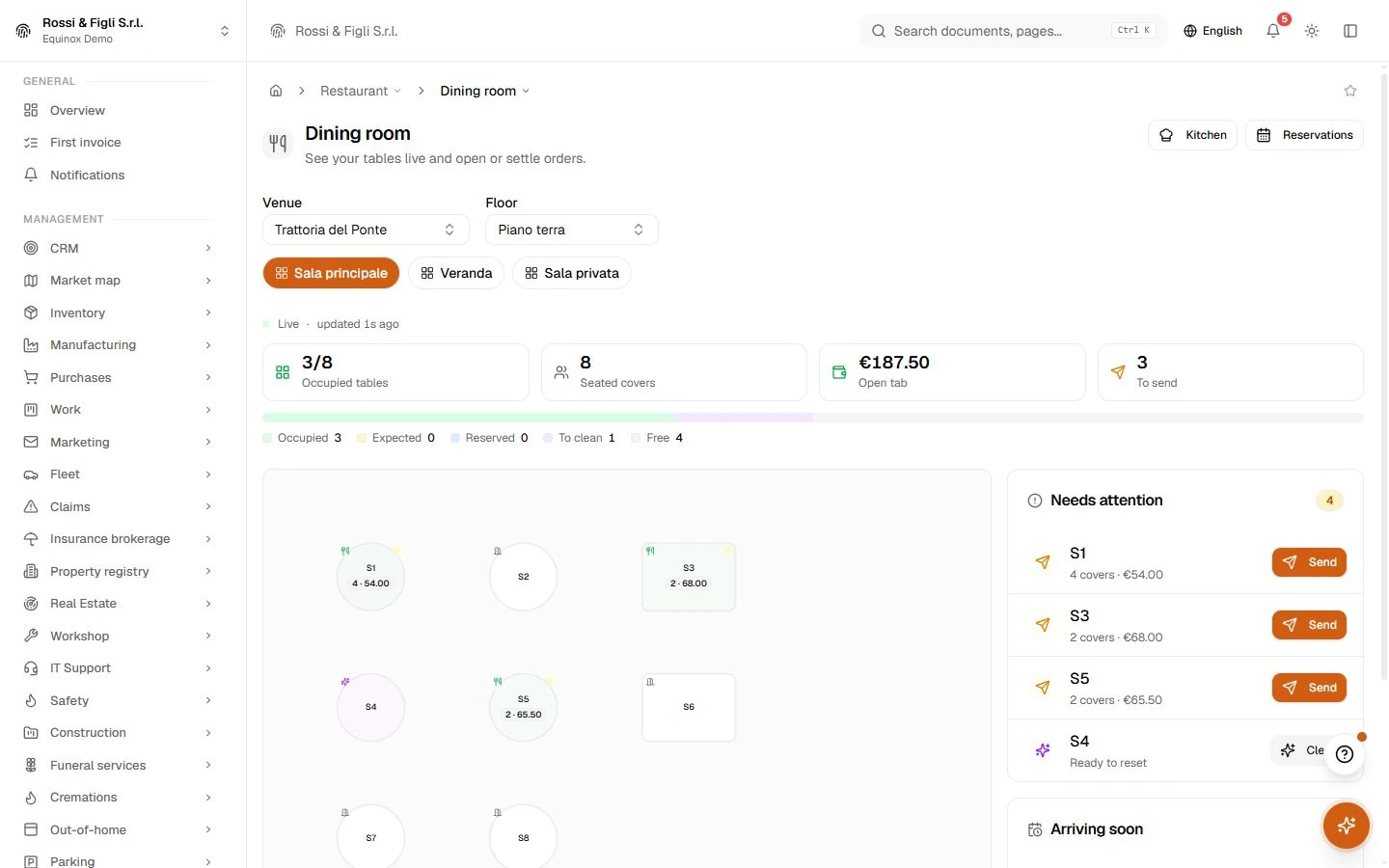
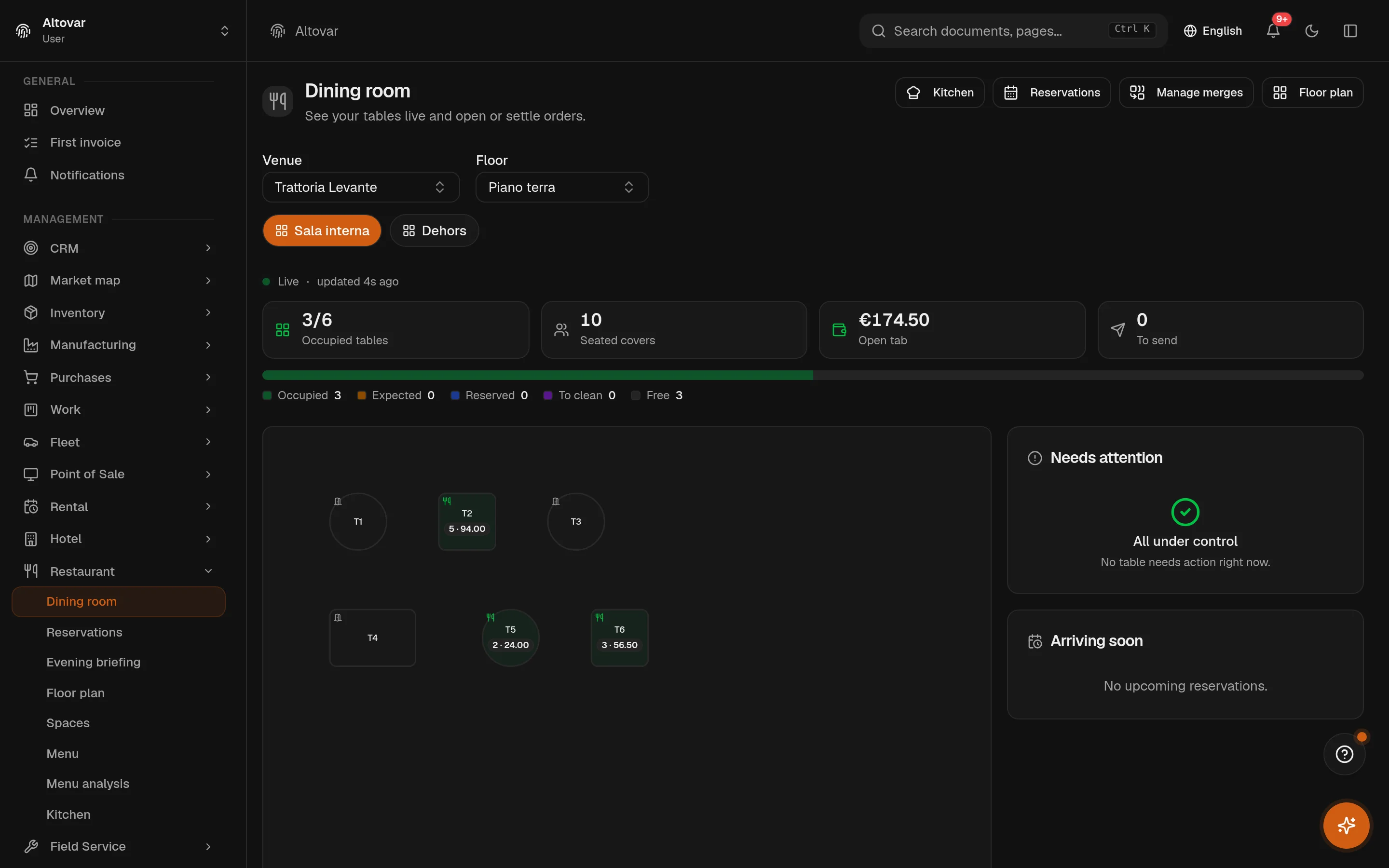
Hospitality and POS
Reservations, tables, orders, payments and stock move together while each team keeps the view it needs.
Open the module
Built-in AI
There is no chatbot bolted on the side. The AI drafts documents, imports messy lists, reads receipts, searches across modules and takes voice — inside the permissions of whoever asked.
Open the module
The platform
Equinox stands on the Altovar platform — the same identity, tenancy and permission model that carries the rest of what we build.
Open the moduleHow it starts
Tell us how you work today. We will show the modules on your workflow and explain clearly what Equinox covers.
You tell us how the company works today. We tell you honestly whether we fit.
Your world comes in as it is — names, habits, the way work really moves.
You go live when everything checks out — not when an old licence expires.
Sectors
Equinox starts with real work: dining room and kitchen, rooms and housekeeping, manufacturing, retail, field service and projects.
Modules
Start with an activity. Explore what each module covers and how it connects to your business.
44 of 44 modules
Quote · Order and delivery · Invoice
Record · Reconcile · Review balances
Review deadlines · Follow payments · Plan expenses
Capture a lead · Develop the opportunity · Follow up
Choose a calendar · Schedule the event · Keep track
Create the catalogue · Set price lists · Manage discounts
Locate stock · Record movements · Plan replenishment
Place an order · Receive the goods · Check the invoice
Plan the work · Record time · Prepare billing
Connect a system · Define the exchange · Configure rules
Define a plan · Subscribe a customer · Follow the renewal
Open your account · Review billing details · Check history
Records · Contracts · Leave
Users · Permissions · Audit
File · Version · Retrieve
Open the map · Read the signals · Ask the copilot
Set availability · Manage reservations · Prepare rooms
Prepare the floor · Take the order · Coordinate the kitchen
Open the register · Complete the sale · Review the session
Connect the channel · Publish products · Import orders
Schedule the job · Carry out the work · Complete the report
Register vehicles · Log usage · Follow maintenance
Check availability · Book the asset · Follow the rental
Open the file · Manage the case · Review progress
Receive the request · Assign a unit · Follow the intervention
Prepare the request · Follow the policy · Check collections
Receive the vehicle · Manage the job · Review the history
Register · Track deadlines · Link records
Intake · Queue · Outcome
Define the bill · Plan requirements · Follow production
Map the installed base · Handle the ticket · Review contract hours
Register equipment · Carry out checks · Review the register
Prepare the estimate · Measure the work · Review progress
Open the case · Coordinate the service · Review completion
Check available sites · Reserve the cycle · Confirm the campaign
Manage arrivals · Apply the terms · Review operations
Define the job · Approve the proof · Schedule production
Define the engagement · Manage deliverables · Review time and fees
Set up the plans · Map the spaces · Explore the property
Review engagements · Approve deadlines · Confirm time entries
Read the requirements · Validate experience · Assess qualification
Monitor · Stage leads · Respect opt-outs
Agenda · Services · Operators
Cases · Cold room · Pickups
Try a different activity or remove the filter.
FAQ
Tell us how you work today. We will show the modules on your workflow and explain clearly what Equinox covers.
Small and mid companies that run real operations — trades, services, production — and are done stitching tools together.
There is no public list. One conversation is enough to quote a plan around what you use — nothing hidden on top.
Your company data, document numbering, tax and payment settings, users, warehouses and current workflows. Together we define what must be configured or imported before go-live.
Dedicated CSV and PDF exports cover products and stock counts, CRM records, attendance, hospitality registers and accounting reports.