

ERP core
Purchasing
Start from the supplier and keep the purchase trail together.
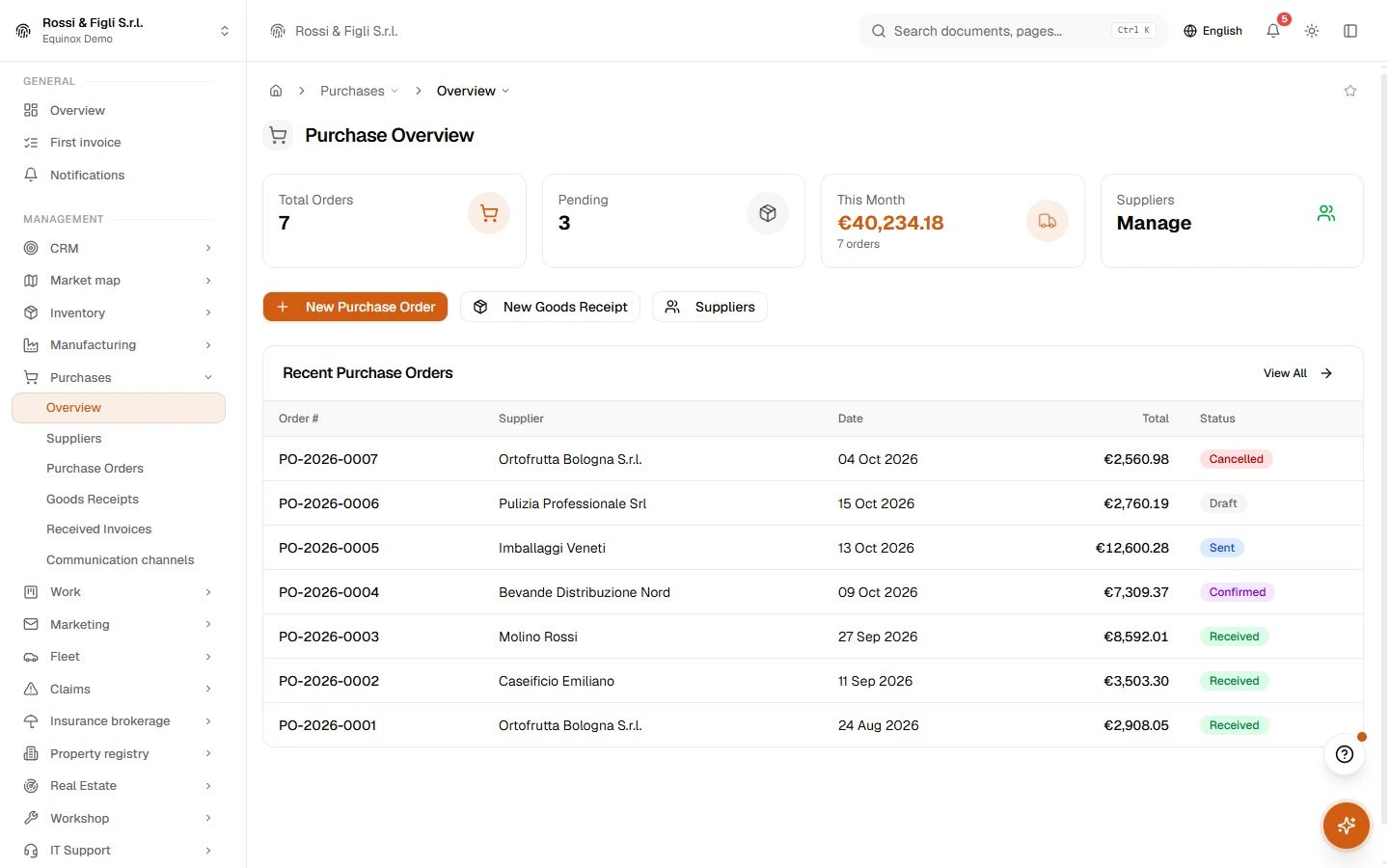
Follow orders, goods receipts and supplier invoices through their own stages, making it easier to check what was ordered and what arrived.
 Try the demo

Purchasing · In the plans
Ordered, received, accounted.
A purchase starts as a document and stays one: an order with numbered lines, a state machine that refuses to skip steps, receipts that can land in instalments, and invoices — typed in or arriving electronically — that end up booked against the right accounts. Each step leaves the previous one visible, so you can always answer what was ordered, what actually arrived, and what it cost.
Availability depends on your Equinox plan.
Features
Inside the module.
Explore the working areas, records and tools available in this module.
Communication channels
Set up the channels you use to write to your suppliers.
Supplier Invoices
Manage supplier invoices and payments
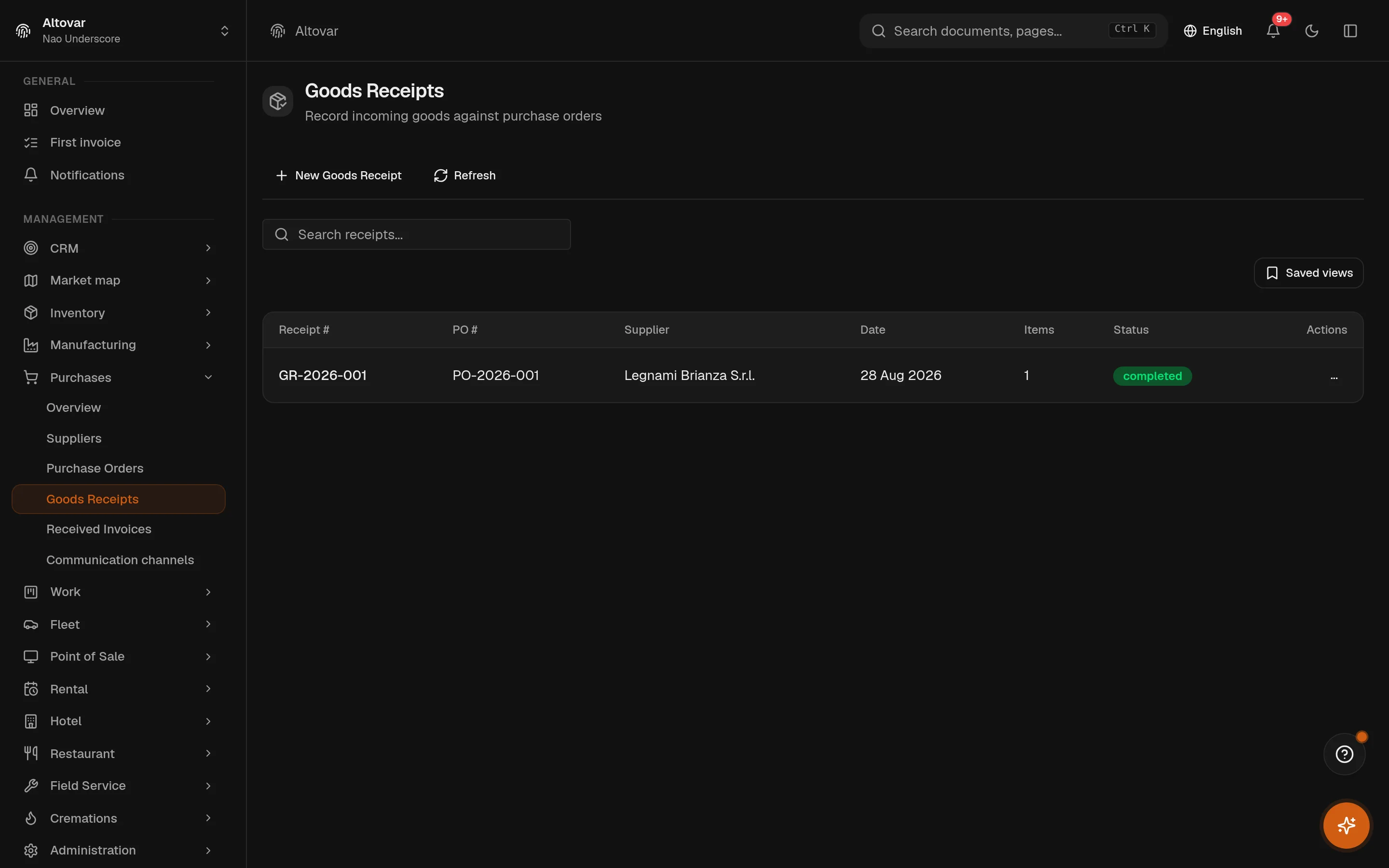
Goods Receipts
Record incoming goods against purchase orders
Purchase orders
Prepare supplier orders with products, quantities, prices and expected deliveries.
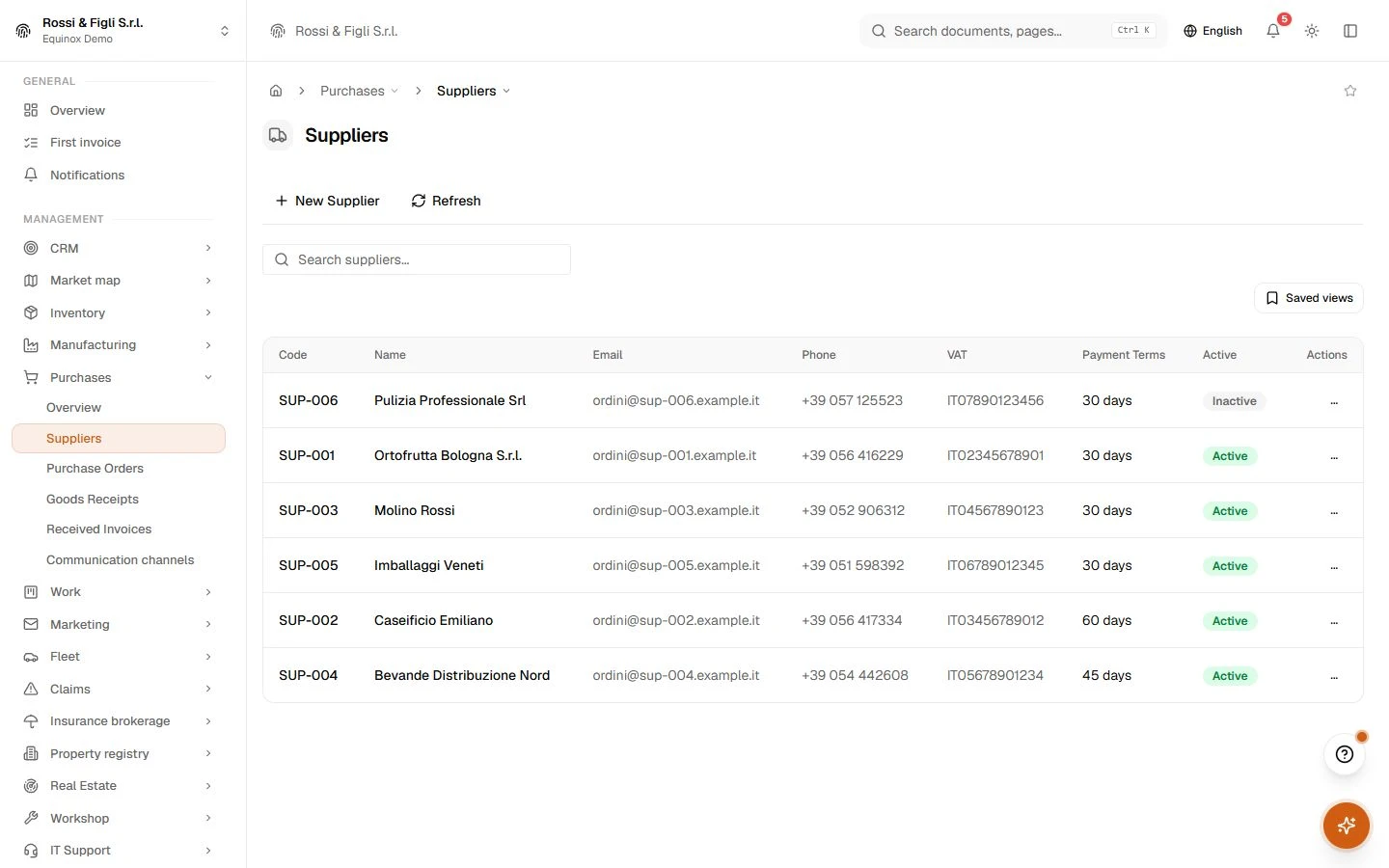
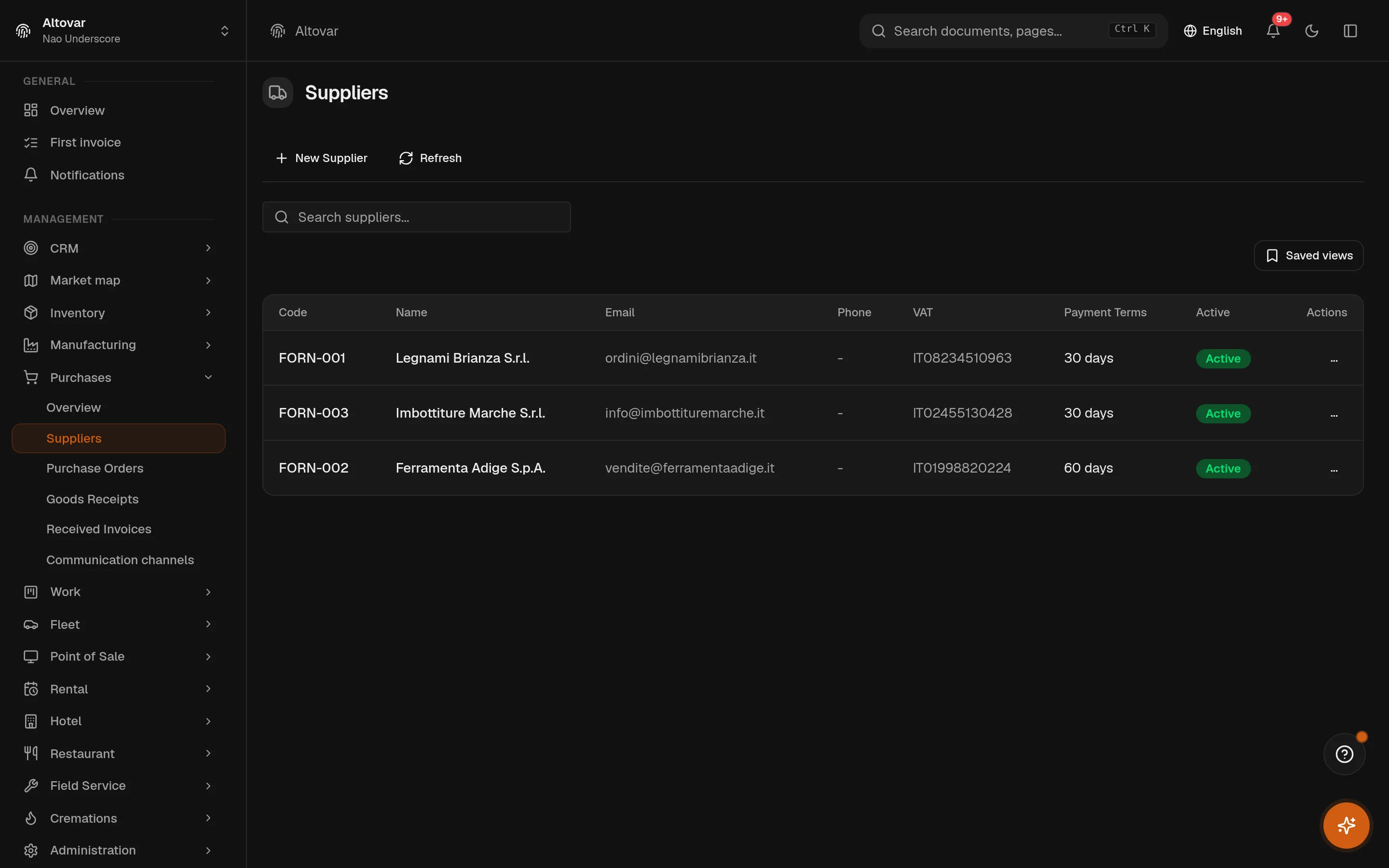
Supplier records
Maintain supplier details, contacts and the purchase documents linked to each company.
No matching features. Try a different word.
Purchasing
How it works
Orders that keep their word
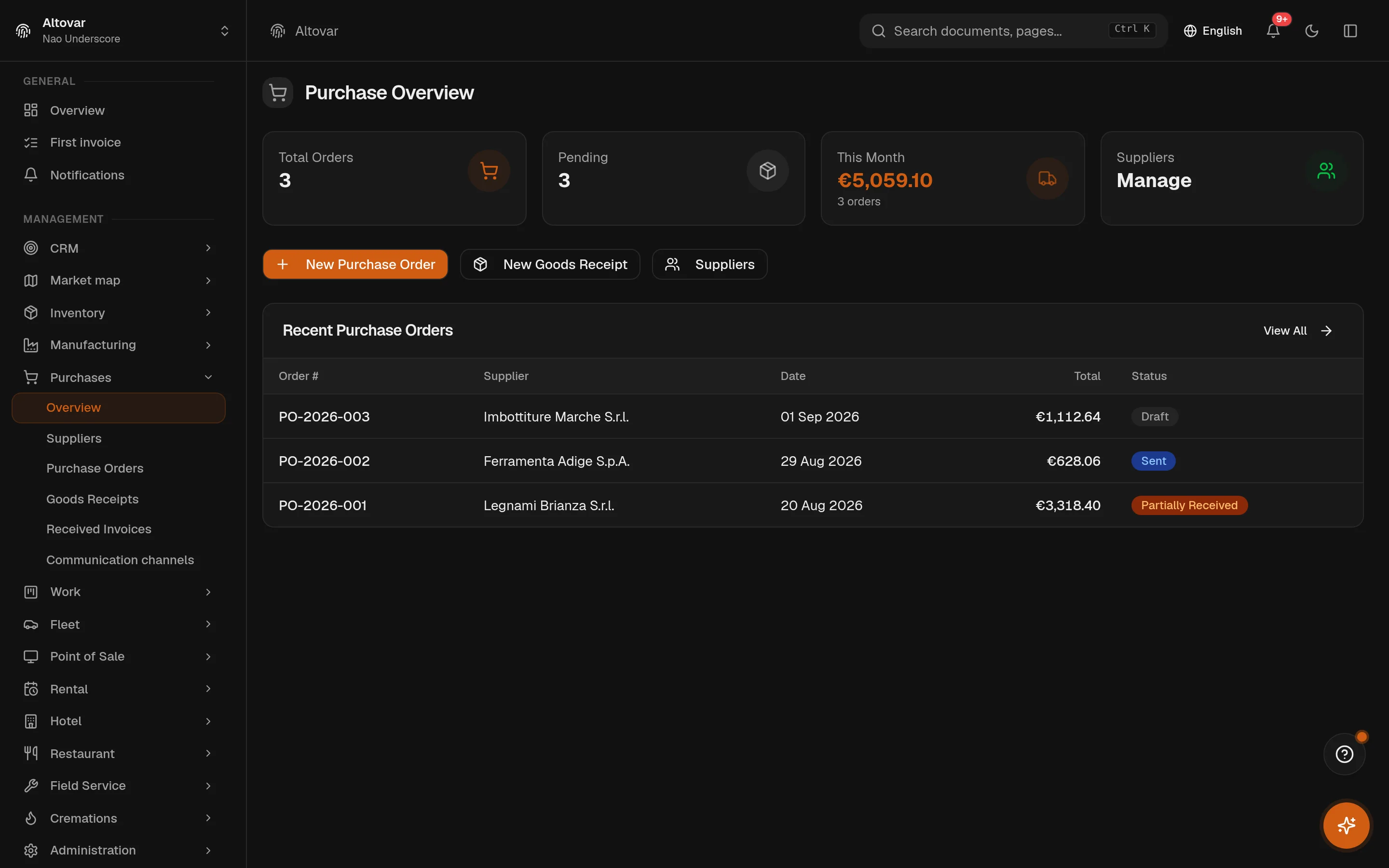
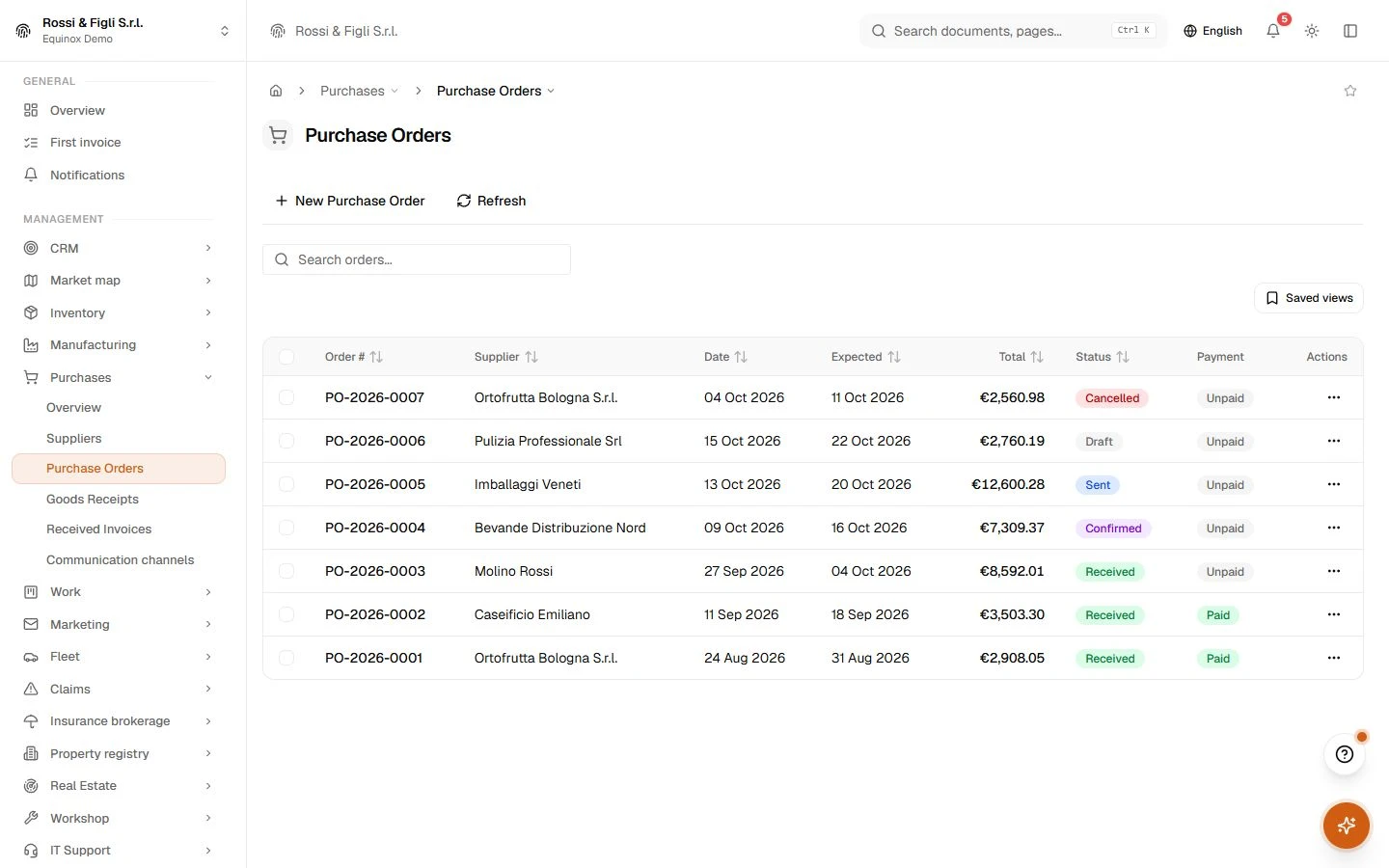
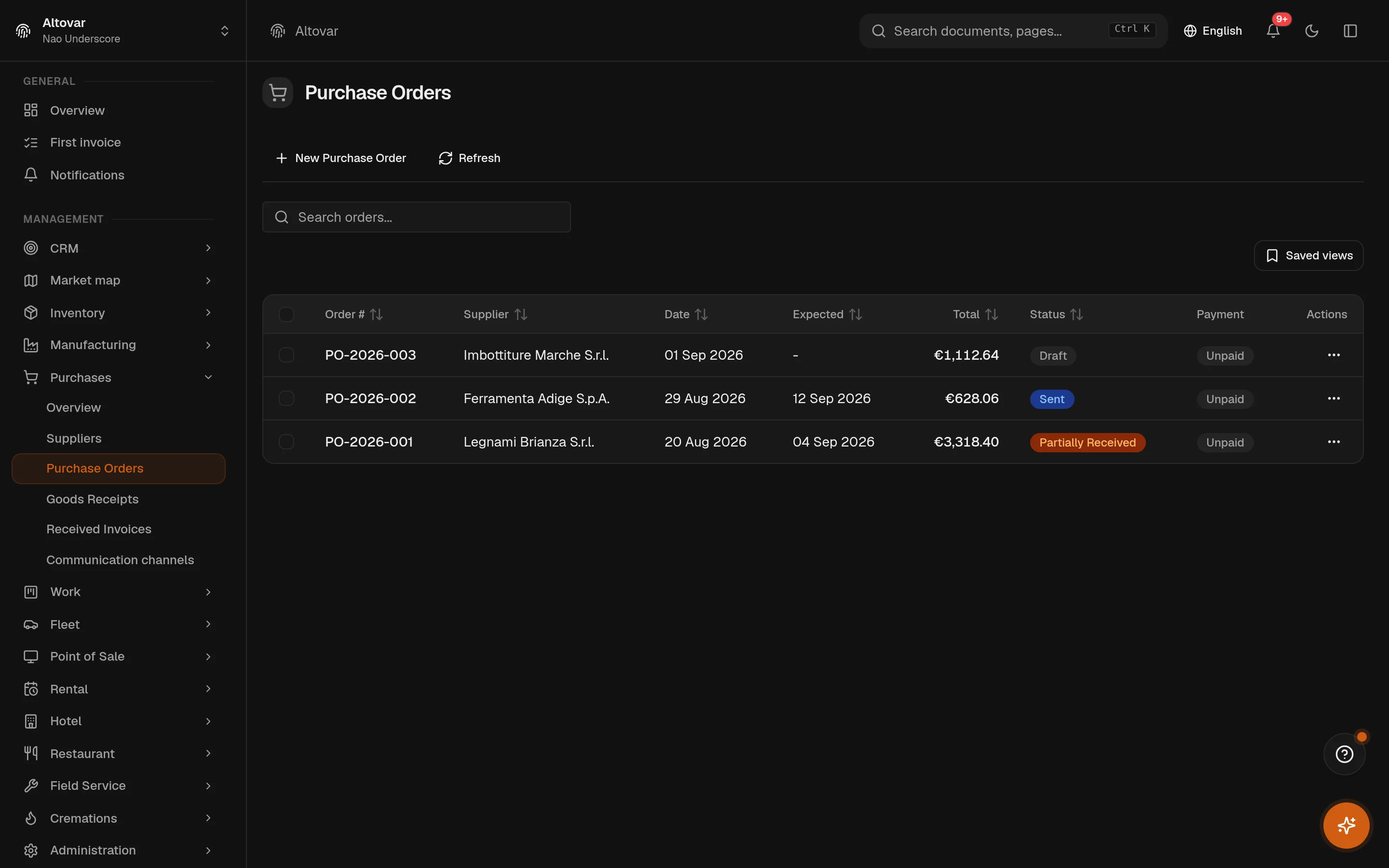
An order carries its supplier, expected date, destination warehouse and numbered lines with quantities, prices, VAT and discounts. It moves through its states one at a time — and each line shows ordered against received, as a progress bar, for as long as the order lives. Orders can also be born from the warehouse: the replenishment automation drafts them from reorder points, within a spending ceiling.
Receiving that tolerates reality
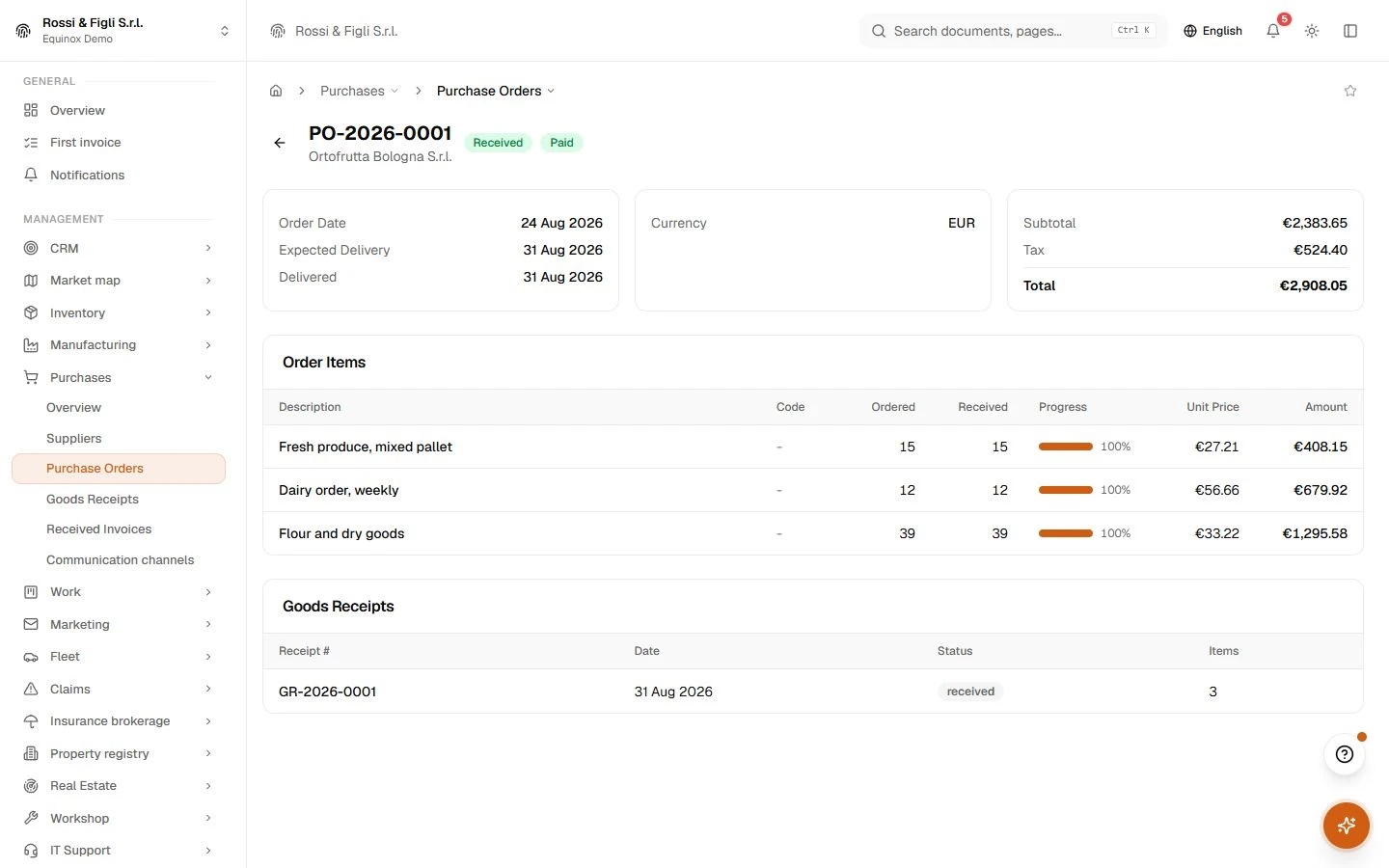
Deliveries rarely match the order on the first truck. A receipt takes what actually arrived — thirty chairs of the forty ordered — checks it against what is still open, and on completion moves the stock into the chosen warehouse and updates the order line by line. The accounting entry for the received value, shipping apportioned across lines, is attempted in the same motion; if posting fails, the receipt stands and the books tell you what is missing.
A paper trail for every pallet
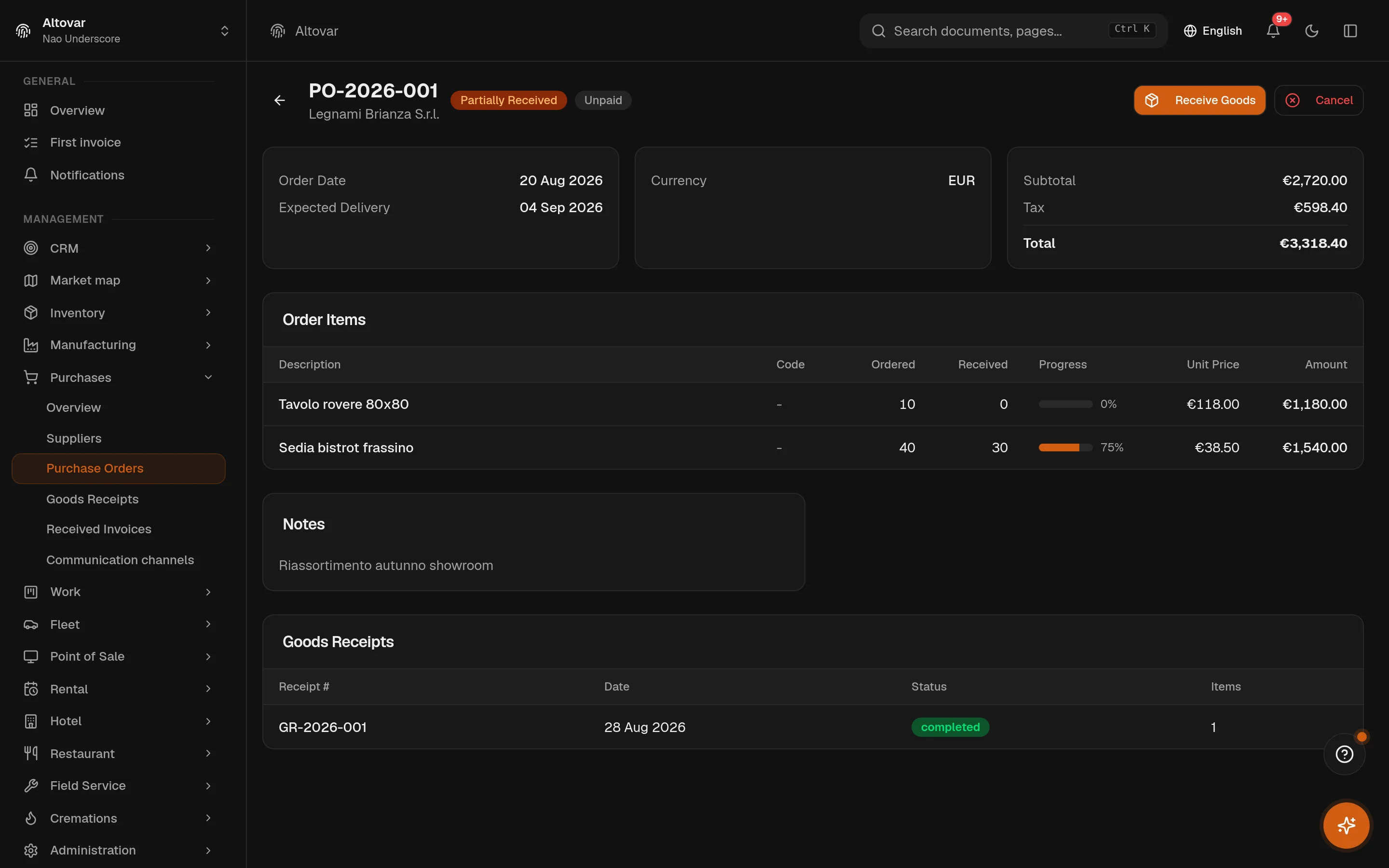
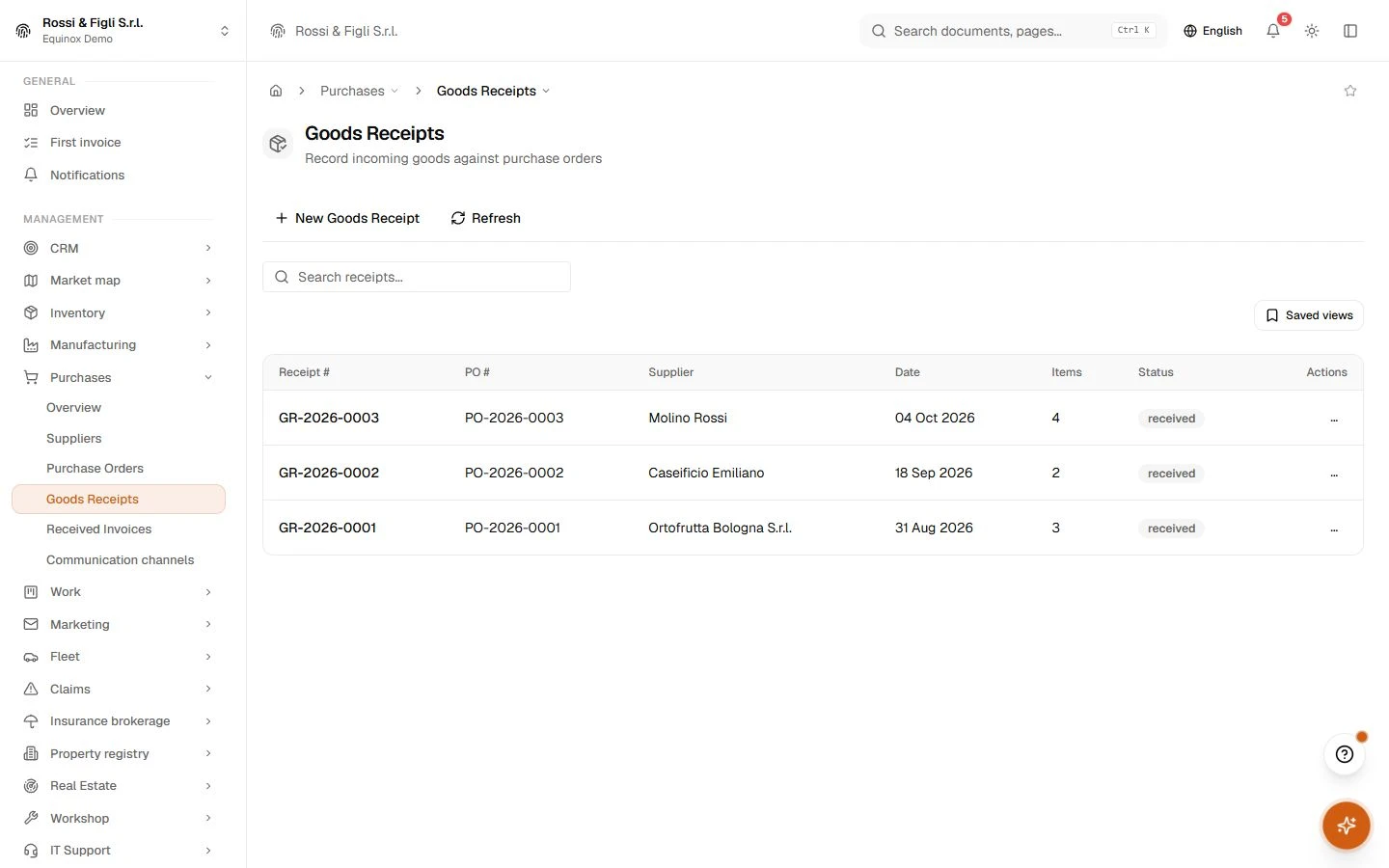
Receipts are documents with their own numbering, tied to their order and warehouse. Each can carry inbound quality inspections — sample size, how many passed, how many were rejected, and what happens next, from accept to scrap. The inspection is an audit record on the receipt: it documents the decision without ever touching quantities behind your back.
Suppliers with a memory
A supplier record holds the fiscal data — VAT number, tax code, SDI code, PEC — payment terms, bank details, and the full trail of orders and invoices. Next to it, a communications hub: a procurement mailbox and WhatsApp channels, with conversations filed per supplier, so the quote you were promised by Thursday is in the record, not in someone’s inbox.
Invoices that book themselves in, eventually
Supplier invoices move through six states, from draft to paid, with payments recorded per invoice. Electronic passive invoices arrive from the SDI exchange system as immutable envelopes — you book one to the ledger by picking the expense account once, and the module remembers the choice for that supplier. The next invoice from the same supplier proposes its own booking. Orders and invoices link by reference; the comparison stays yours.
- Order lifecycle
- 6 states, enforceddraft, sent, confirmed, partially received, received, cancelled. The transitions live in the service layer and refuse to skip a step — an order cannot be received before it is confirmed.
- Receiving
- Partial, by designseveral receipts can land on one order. Every line is checked against the remaining quantity, and the order turns received only when each line is complete — until then it is partially received, and says so.
- Passive invoices
- Two roads insupplier invoices typed in by hand, or electronic invoices arriving from the SDI exchange system as immutable envelopes. Booking learns the expense account per supplier after the first manual posting.
- Quality
- Inspected, not blockedinbound inspections on receipts with sample size, passed and rejected quantities and a disposition — accept, reject, quarantine, return, scrap. An audit trail by design: it never silently moves your stock.
In practice
The work, step by step.
Explore the activities this module brings together. Choose a step to see what you can manage.
Place an order
Maintain supplier records and prepare purchase orders with line items.
Receive the goods
Record goods receipts against the deliveries received from suppliers.
Check the invoice
Review supplier invoices and their related purchase documents.

Start with the way you work.
Equinox
Start with the way you work.
Tell us about your processes. We can identify the modules and configuration that fit your business.
Talk about your project