

ERP core
Integrations
Give external systems a defined way to exchange information with Equinox.
Configure connectors, API keys and webhooks, then use the available automation settings to organise how events trigger follow-up actions.
 Try the demo

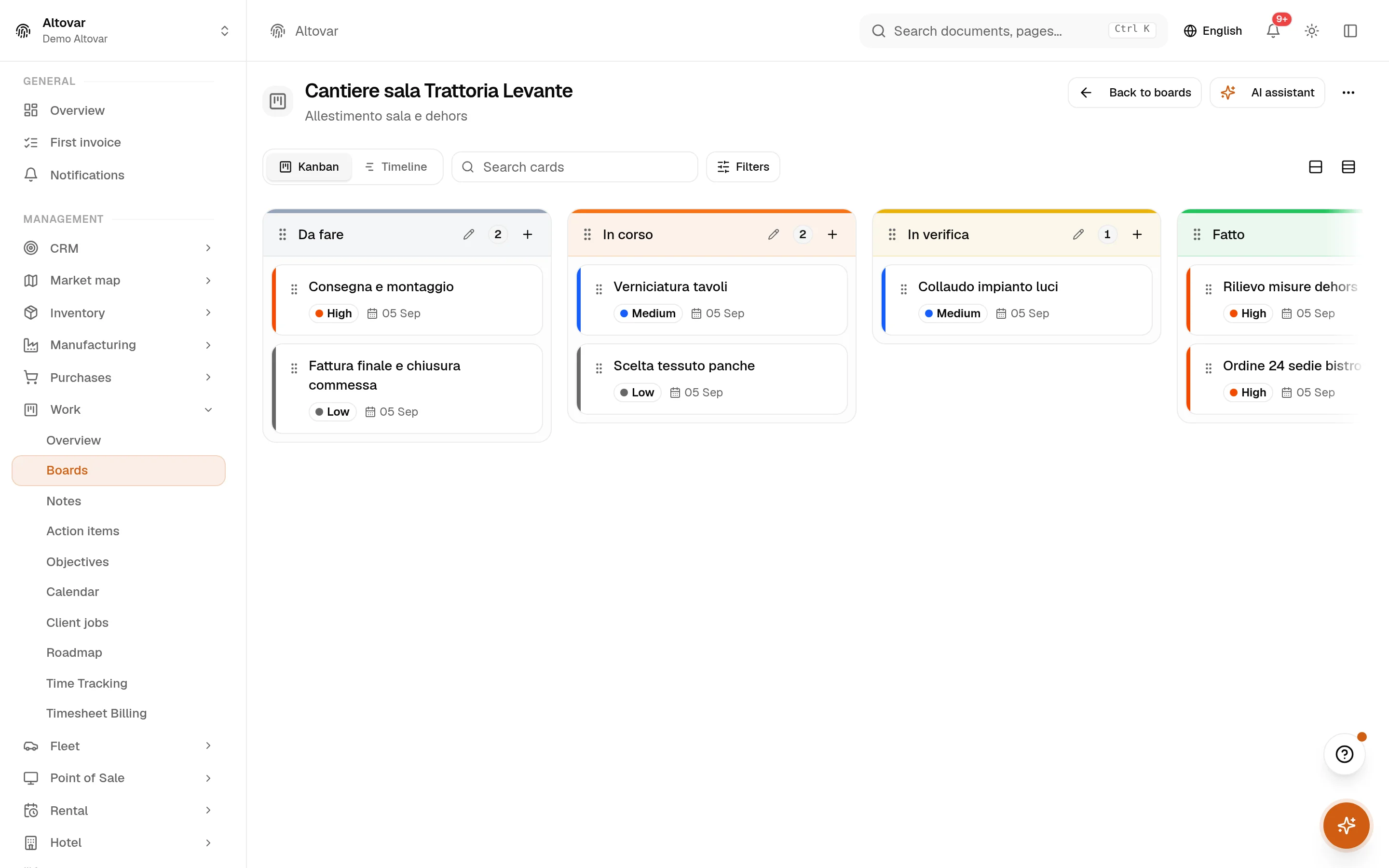
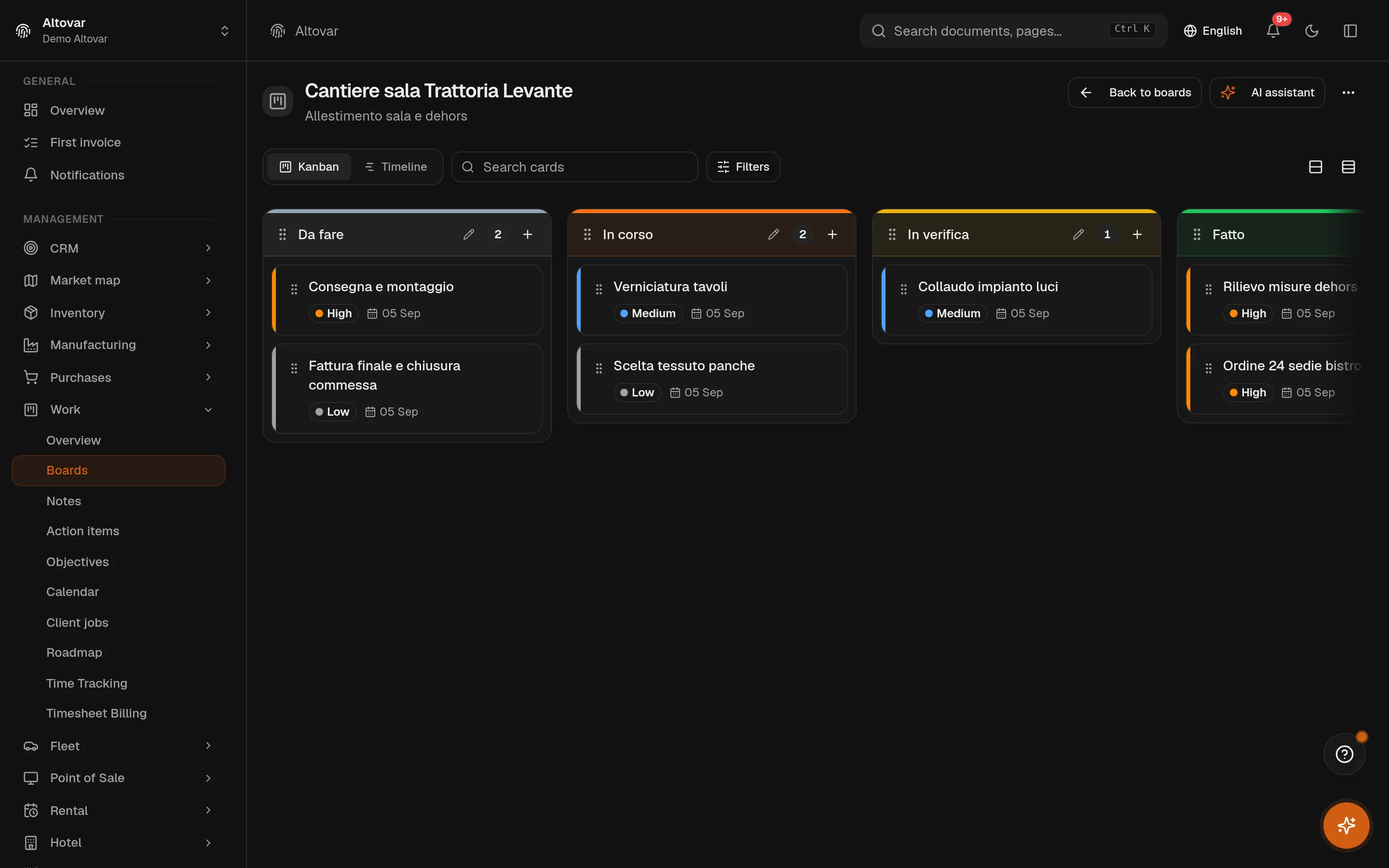
Integrations · In the plans
Integrations
Give external systems a defined way to exchange information with Equinox. Configure connectors, API keys and webhooks, then use the available automation settings to organise how events trigger follow-up actions.
Availability depends on your Equinox plan.
Features
Inside the module.
Explore the working areas, records and tools available in this module.
API Keys
Create and manage API keys to authenticate external applications.
Webhooks
Configure webhook endpoints to receive real-time event notifications.
Automations
Configure automation rules, triggers and actions for supported events.
Connectors
Configure available connectors and review their connection status. Each external service requires its own configuration.
No matching features. Try a different word.
In practice
The work, step by step.
Explore the activities this module brings together. Choose a step to see what you can manage.
Connect a system
Configure the available connectors for the systems you use.
Define the exchange
Manage API keys and webhooks for defined data exchanges.
Configure rules
Set up automation rules with their triggers and actions.

Start with the way you work.
Equinox
Start with the way you work.
Tell us about your processes. We can identify the modules and configuration that fit your business.
Talk about your project