

ERP core
CRM
Keep the history of a relationship beside the next action.
Move from leads and company records to opportunities, pipeline stages and follow-ups, so each commercial conversation has a clear owner and context.
 Try the demo

CRM · In the plans
The CRM inside the ERP.
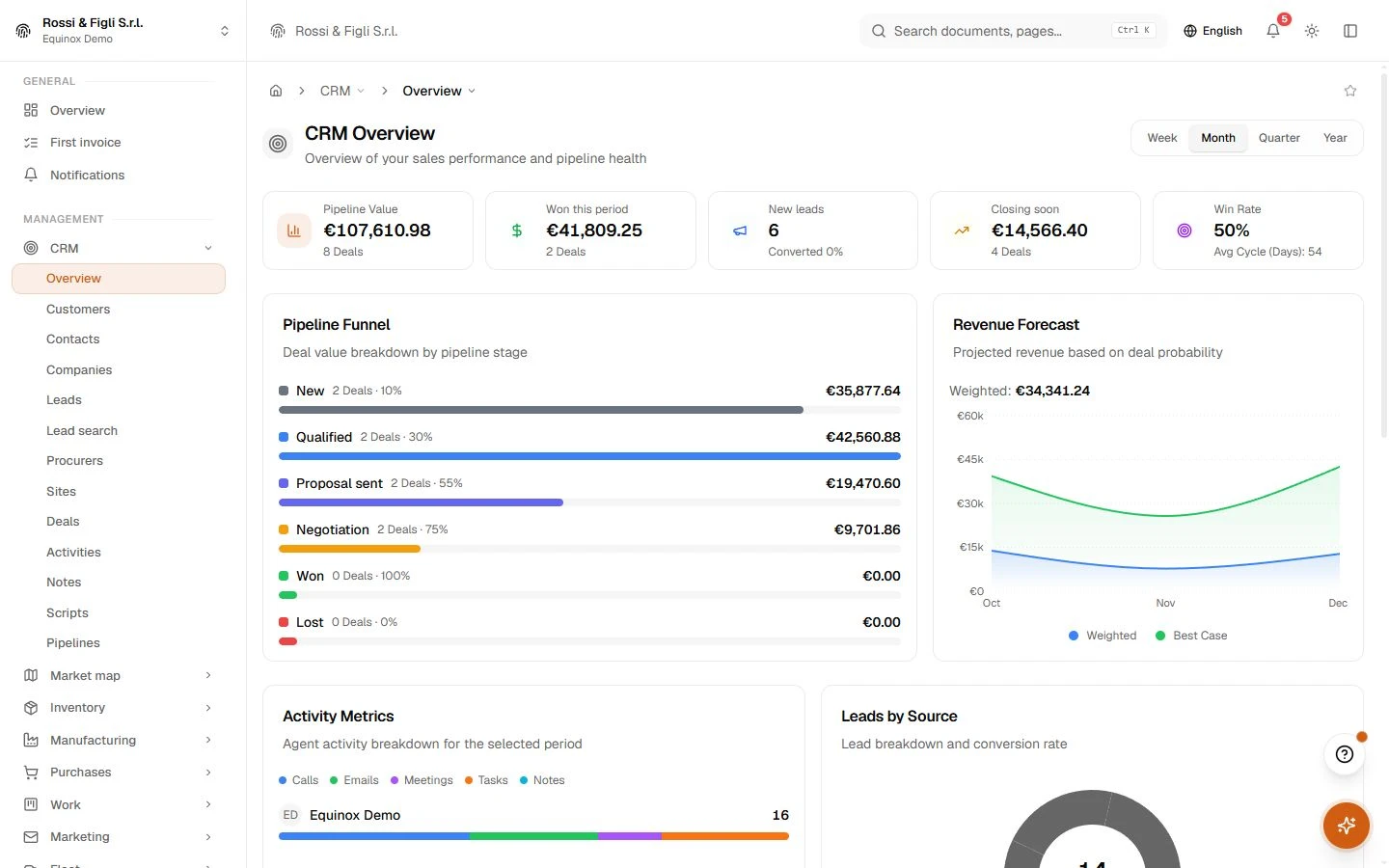
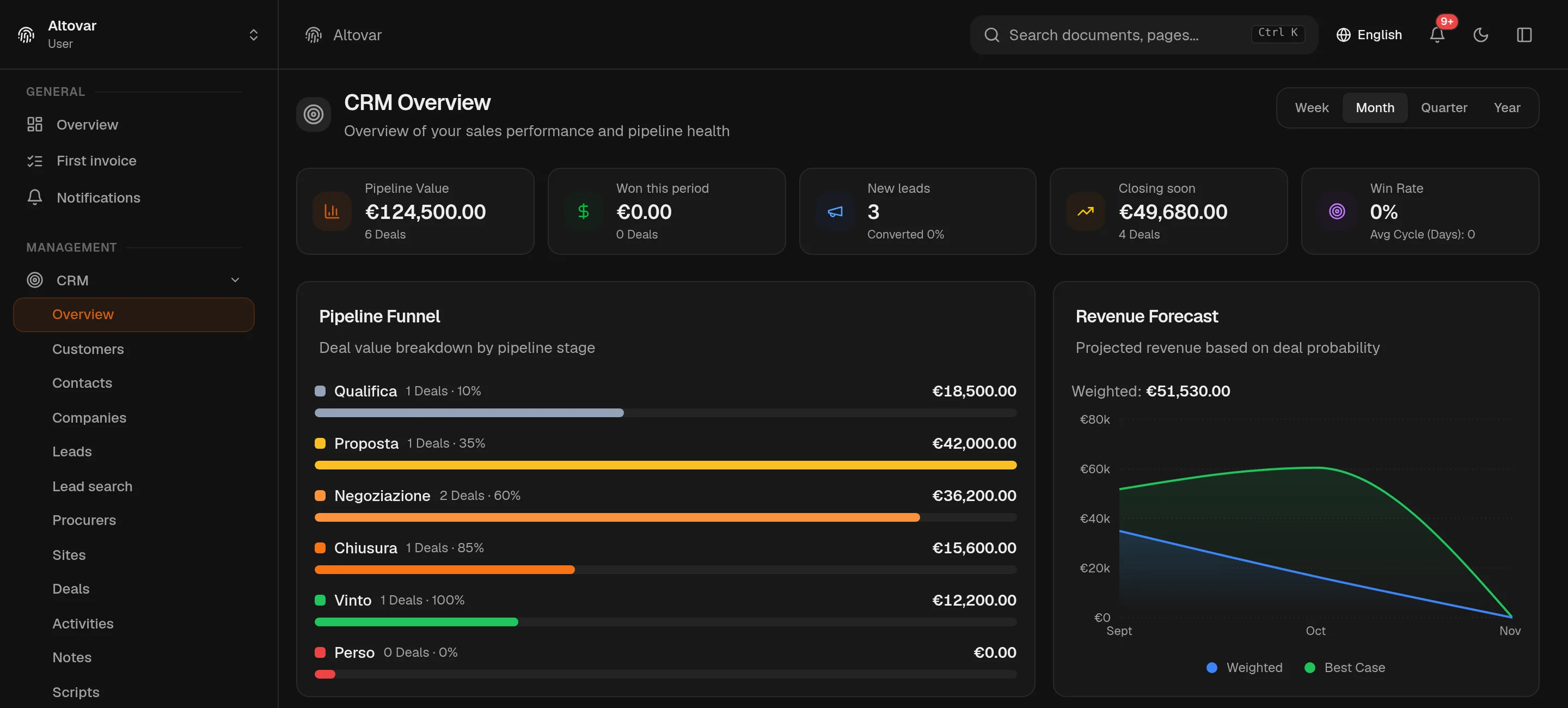
Leads, companies and deals live next to invoices and stock. Nothing to sync and nothing to export: the person you are selling to and the person who owes you money are the same record. Pipelines are yours to shape, every stage carries its probability, and the forecast is computed from the board — not typed into it.
Availability depends on your Equinox plan.
Features
Inside the module.
Explore the working areas, records and tools available in this module.
Activities
Track calls, emails, meetings, and tasks
Calls in progress
Pick up a paused guided call right where you left off.
Companies
Companies you sell to, with contacts and deals attached.
Contacts
People at those companies — emails, roles and linked deals.
Customers
Manage your customers, their details and the documents linked to them.
Deals
Track your sales pipeline
Leads
Manage and qualify your leads
Notes
Your CRM notes
Pipelines
Configure your sales pipelines and stages
Procurers
Network of business introducers — with or without an ERP login.
Lead search
Find new businesses from public sources and bring them into the CRM after review.
Scripts
Create and manage guided call scripts for your team.
No matching features. Try a different word.
CRM
How it works
Deals on a board you can drag
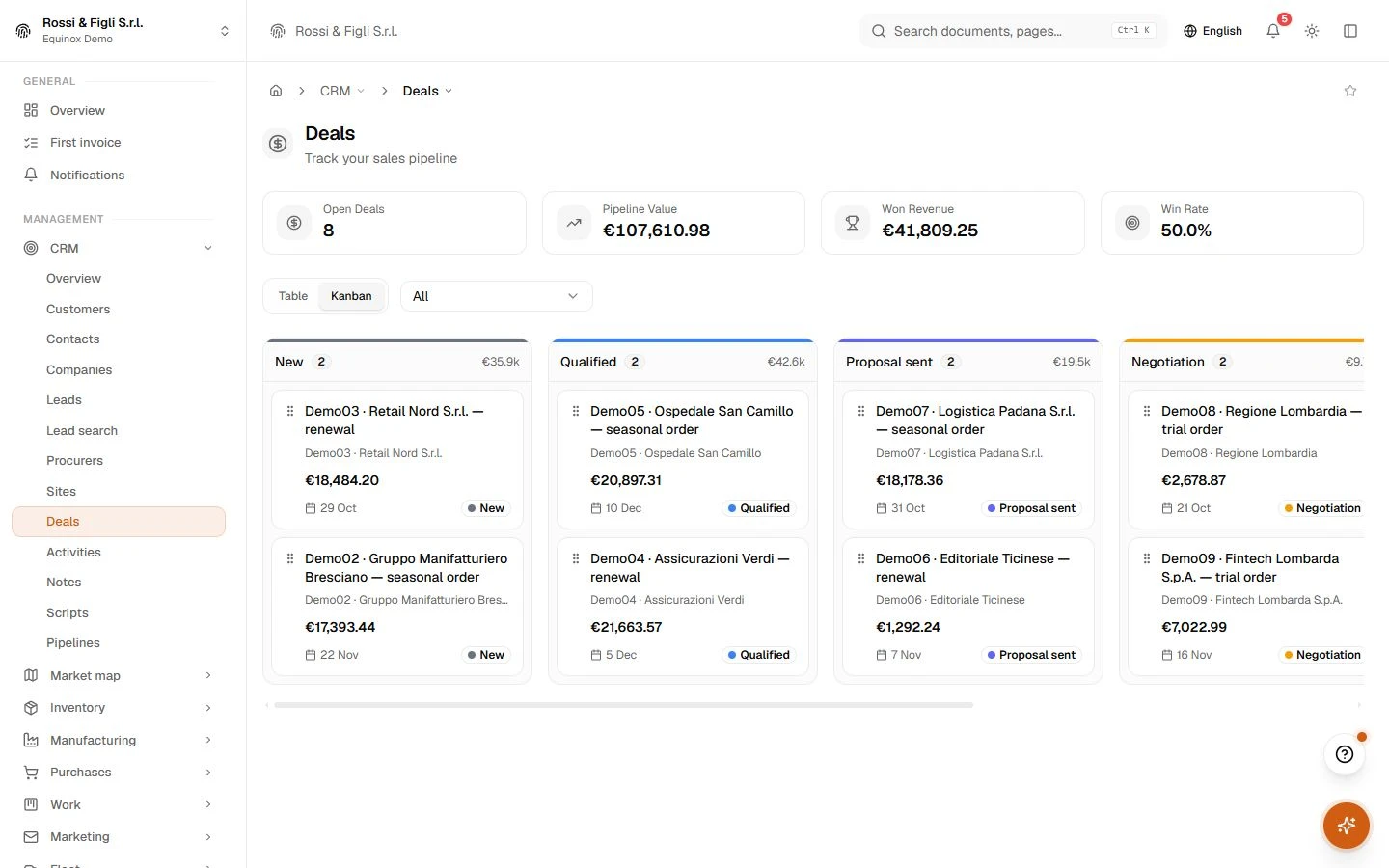
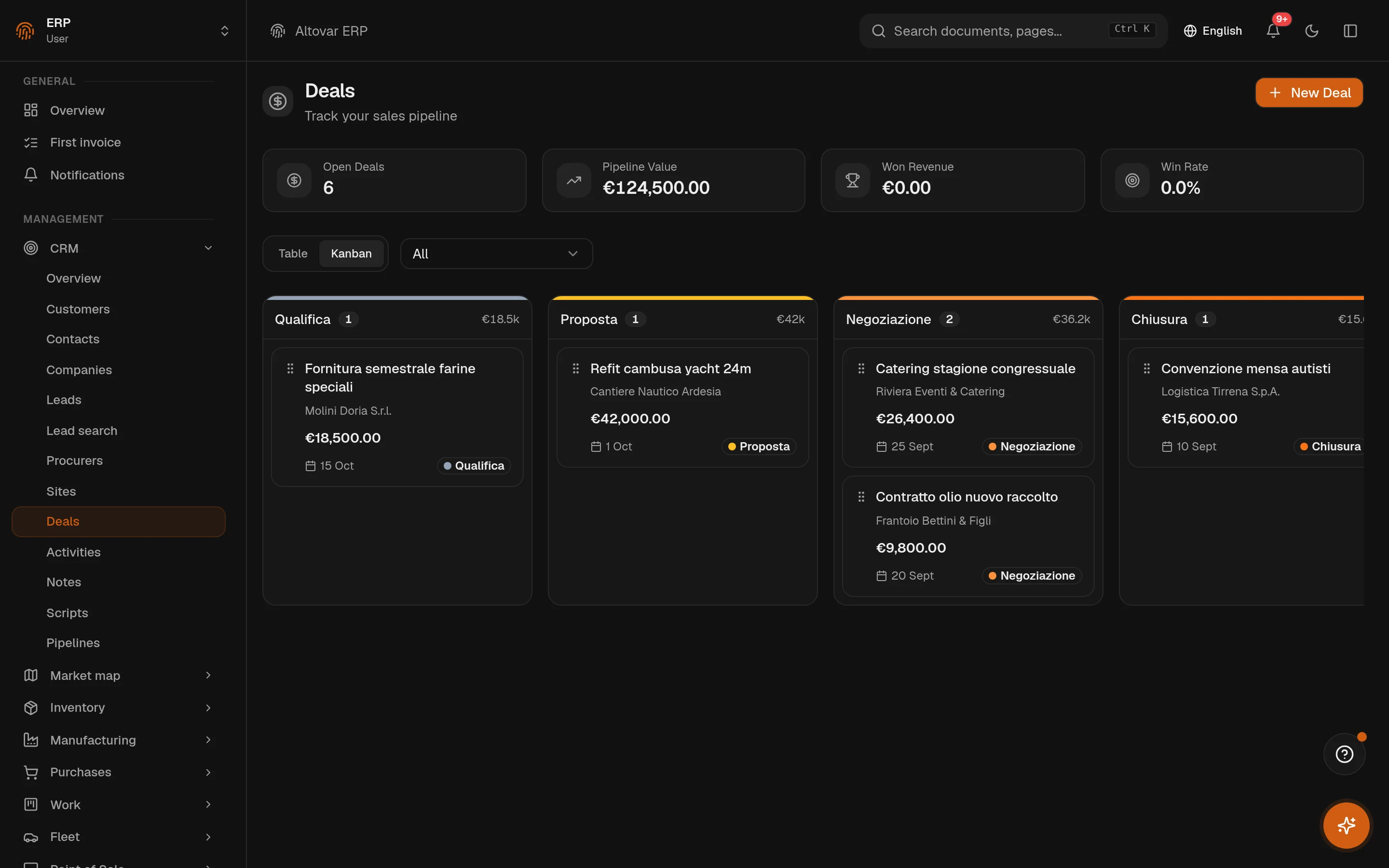
Every deal carries a value, a currency, a company, the contacts involved and an expected close date. Table and Kanban are the same list seen two ways: drag a card between stages and the deal's probability follows the stage. Saved views and export live on the same toolbar.
- Weighted forecast
- The overview multiplies each open deal by the probability of its stage and plots the total against the best case, month by month.
- Companies and contacts
- A company holds industry, size and address; contacts hang off it; a deal links both. Custom fields extend all three and can be reordered or restored.
Leads with a score, not a hunch
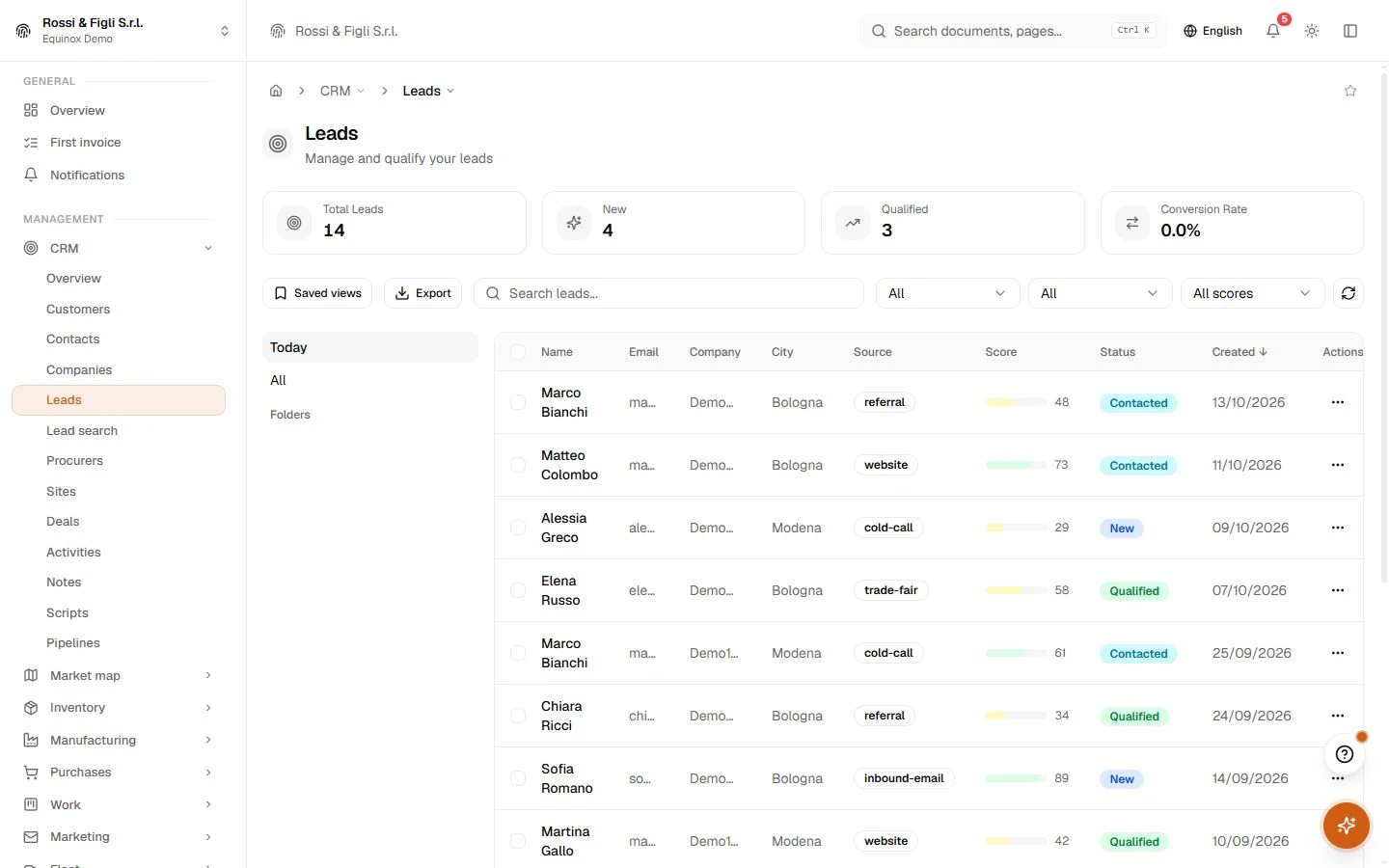
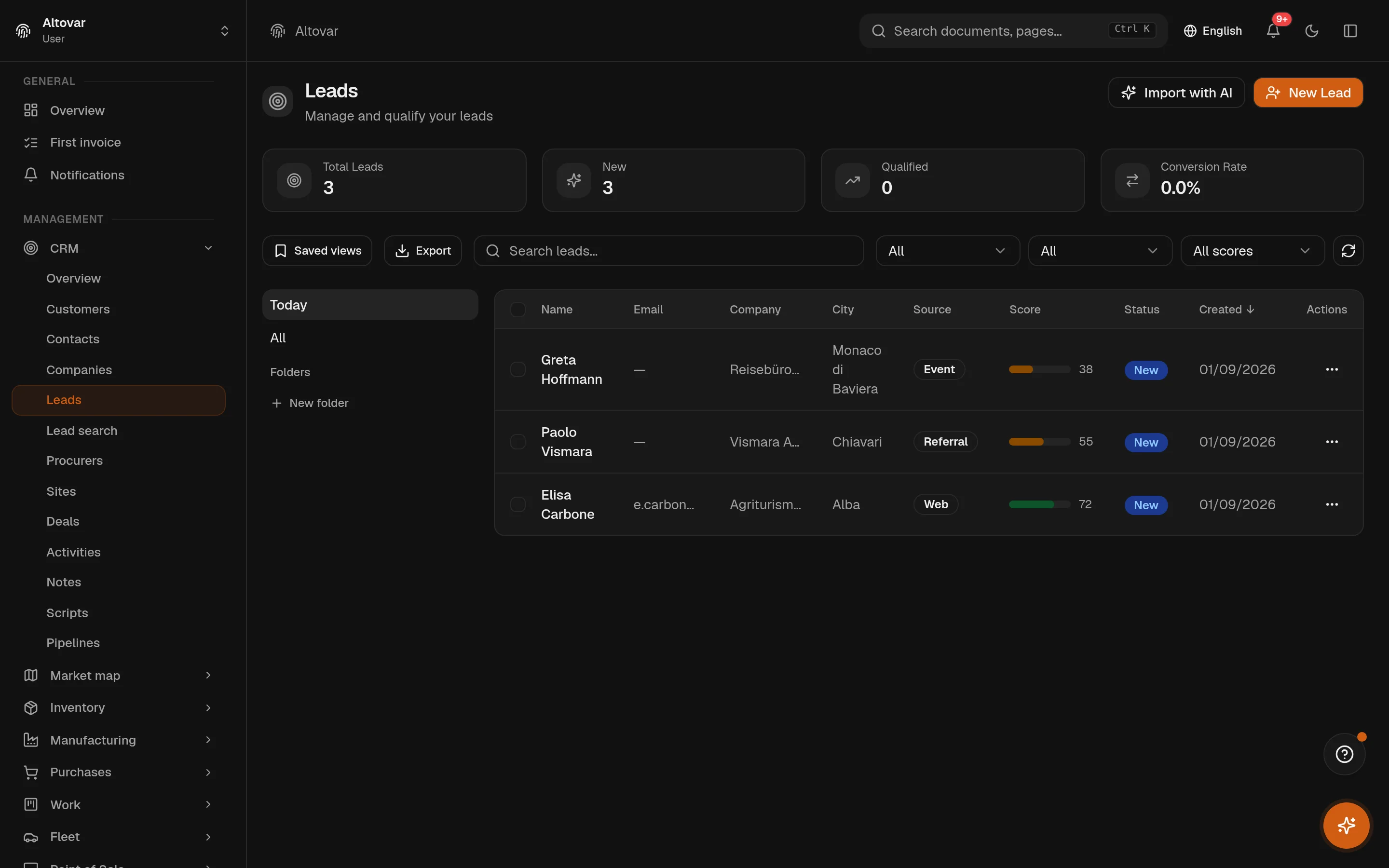
A lead arrives with a source — web, referral, event — and a score from 0 to 100. The list filters by both. When the lead is ready you convert it: contact, company and deal are created together and nothing is retyped. Import reads your spreadsheets and cards, proposes the field mapping with AI, and only commits when you confirm.
- Classification
- Leads can be classified one at a time or in batch, and prospecting campaigns feed new records into the same list.
- Folders and views
- Group leads into folders, save the filters you keep coming back to, export the list when someone outside the system needs it.
Calls, meetings, tasks — on the calendar too
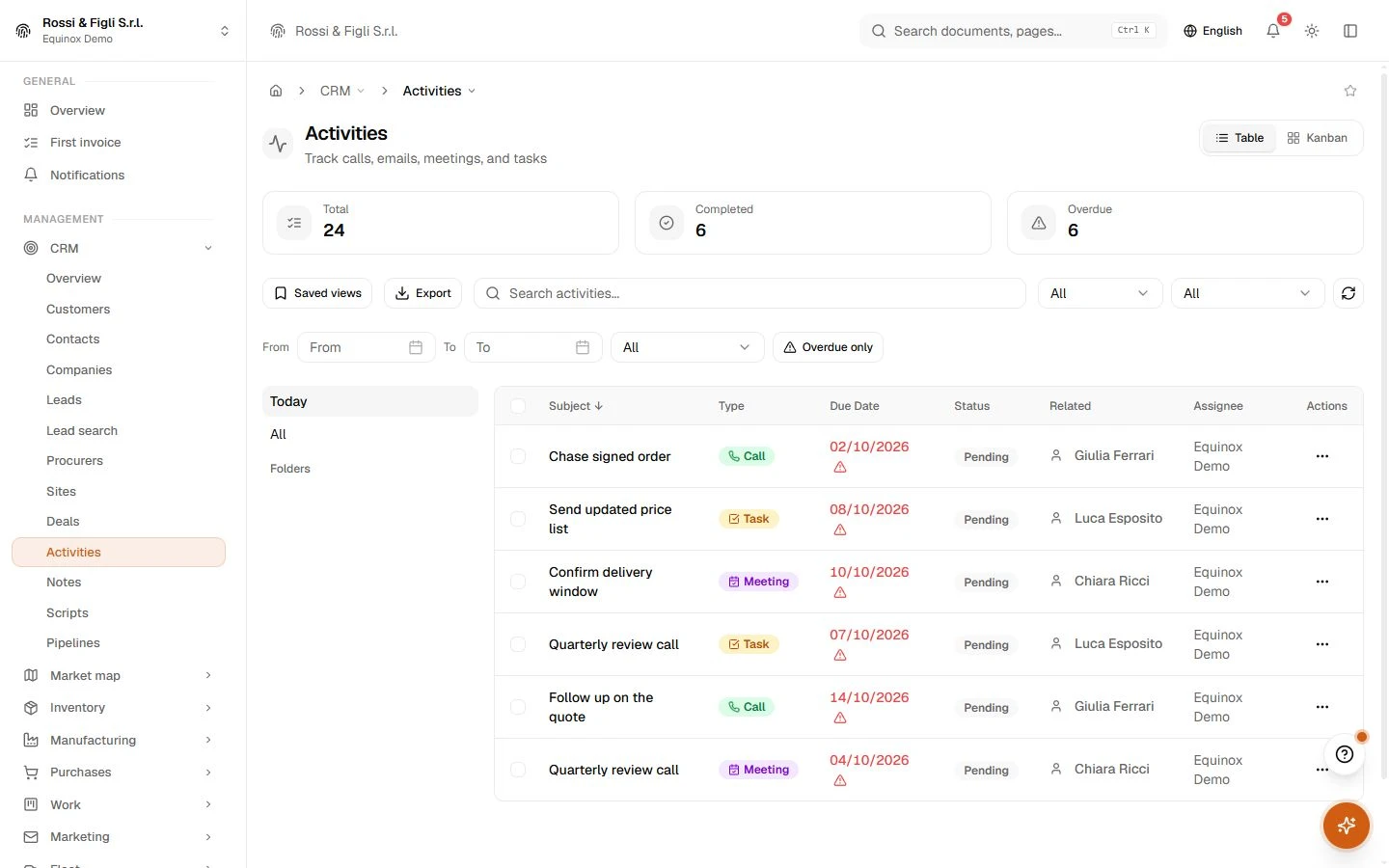
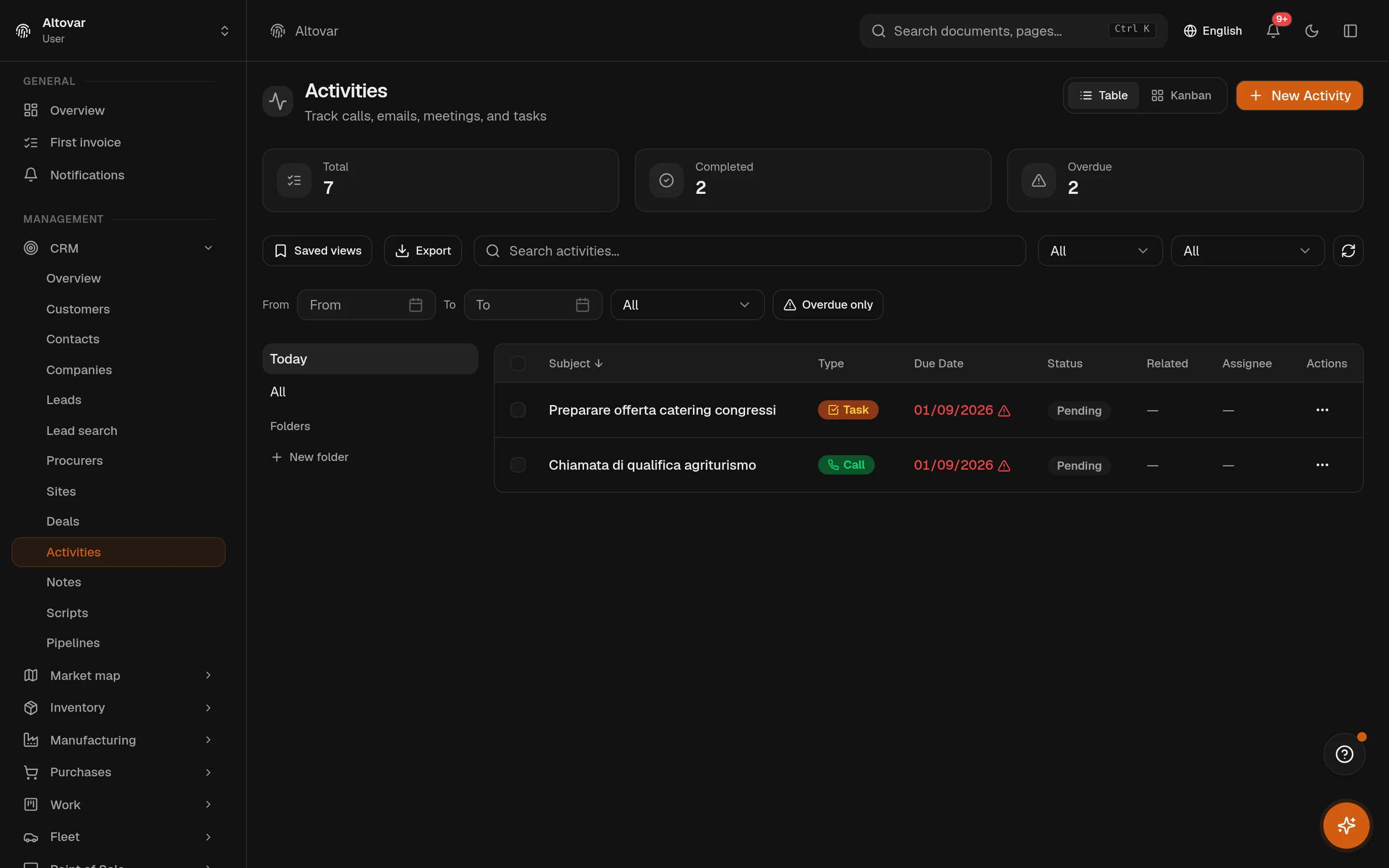
Five kinds of activities, each linked to the deal, company, contact or lead it belongs to. Due dates raise reminders; an activity with a duration, a place and invitees is mirrored on the calendar as an event. Completing an activity stamps the time, so the activity metrics per operator are counts, not estimates.
- Call scripts
- Scripts are drafted, then published. A phone session runs on a script and ends completed or abandoned; the statistics per script are built from those endings.
- Notes and comments
- Notes attach to any record; comments thread under them. Attachments live on the lead or the deal, not in someone's inbox.
What it deliberately is not
There is no connector that mirrors a third-party CRM in real time: data comes in through import, prospecting and the forms of the ERP itself. The 'sites' area builds prospecting pages for your campaigns; it is not a website builder for your customers. If your sales process needs something this module does not do, we would rather say so before you sign.
- Pipelines
- Stages you shapeeach pipeline has at least two stages and every stage carries its own probability from 0 to 100. Won and lost are explicit stages, so the forecast reads the board instead of guessing.
- Lead score
- 0 to 100every lead carries a source and a score. Converting it creates the contact, the company and the deal in one step, and the origin stays on the record.
- Activities
- 5 kindscall, email, meeting, task and note — each with a due date and a reminder, and a bridge to the calendar that carries duration, recurrence and invitees.
- Stuck deals
- Flagged after 5 daysa scheduled check raises an event for every open deal that has not moved in five days, so a stalled negotiation is a signal, not a discovery at quarter end.
In practice
The work, step by step.
Explore the activities this module brings together. Choose a step to see what you can manage.
Capture a lead
Collect leads, contacts and company details in structured records.
Develop the opportunity
Move opportunities through the stages of your sales pipelines.
Follow up
Record activities and notes to prepare the next follow-up.

Start with the way you work.
Equinox
Start with the way you work.
Tell us about your processes. We can identify the modules and configuration that fit your business.
Talk about your project