

ERP core
Recurring subscriptions
Manage customer subscriptions from a recurring plan to its current billing period.
Create plans and prices, associate customers and monitor subscription status after the required payment account has been activated.
 Try the demo

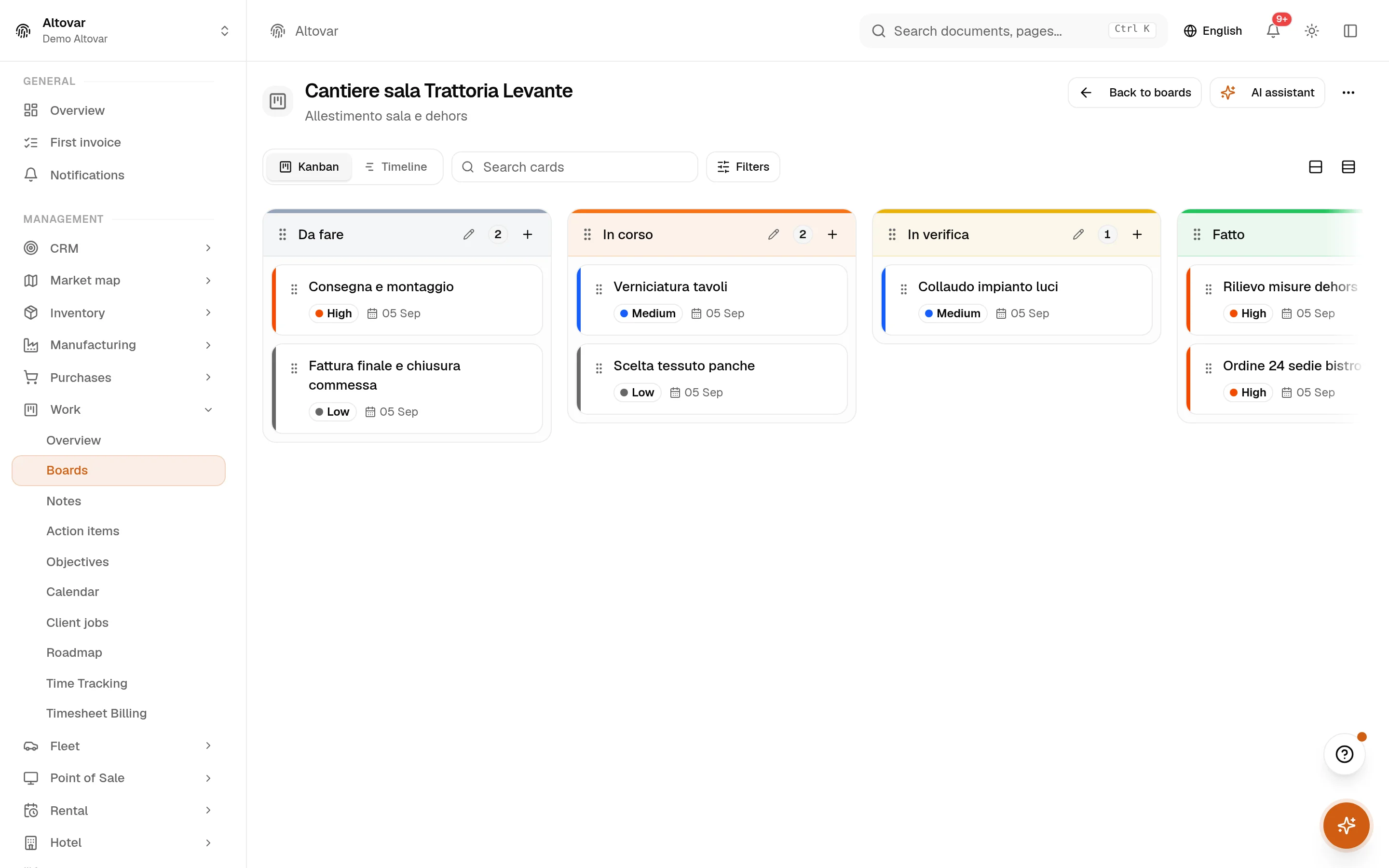
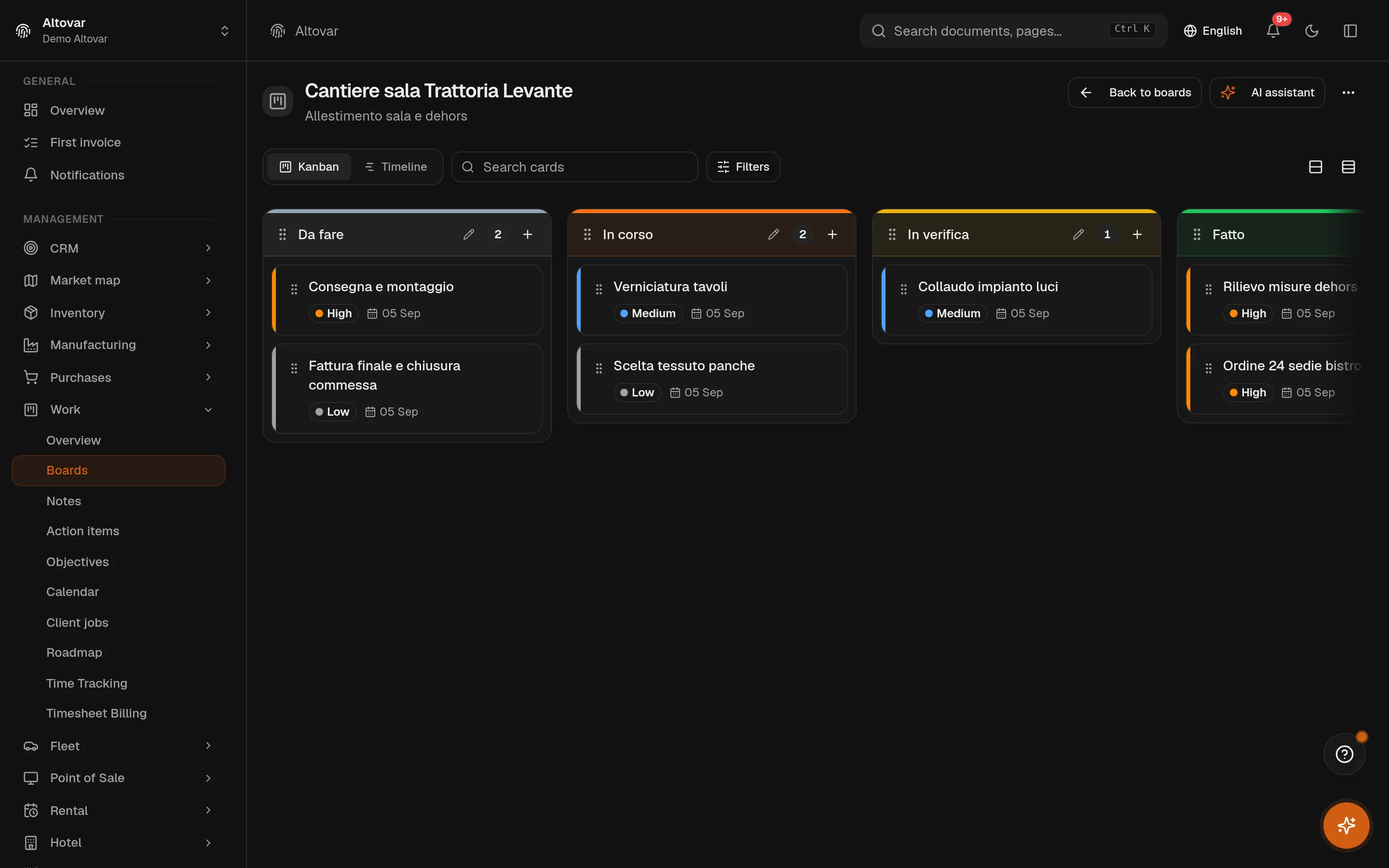
Recurring subscriptions · In the plans
Recurring subscriptions
Manage customer subscriptions from a recurring plan to its current billing period. Create plans and prices, associate customers and monitor subscription status after the required payment account has been activated.
Availability depends on your Equinox plan.
Features
Inside the module.
Explore the working areas, records and tools available in this module.
Plans
Define the recurring plans you offer
New subscription
Subscribe a customer to one of your plans.
Status
Active · Trial · Past due · Paused · Cancelled
Connect a payment account first
You need an onboarded Stripe Connect account before you can create subscriptions and collect recurring payments.
Cancel subscription
Billing will stop at the end of the current period. This action cannot be undone.
No matching features. Try a different word.
In practice
The work, step by step.
Explore the activities this module brings together. Choose a step to see what you can manage.
Define a plan
Define recurring plans and the active prices customers can choose.
Subscribe a customer
Associate a customer with a plan after payment account activation.
Follow the renewal
Review subscription periods, payment status and end-of-period cancellations.

Start with the way you work.
Equinox
Start with the way you work.
Tell us about your processes. We can identify the modules and configuration that fit your business.
Talk about your project