

ERP core
Inventory
Know where stock is held and how it moves.
Follow quantities across warehouses and locations, register transfers and adjustments, then use replenishment views to decide what needs attention next.
 Try the demo

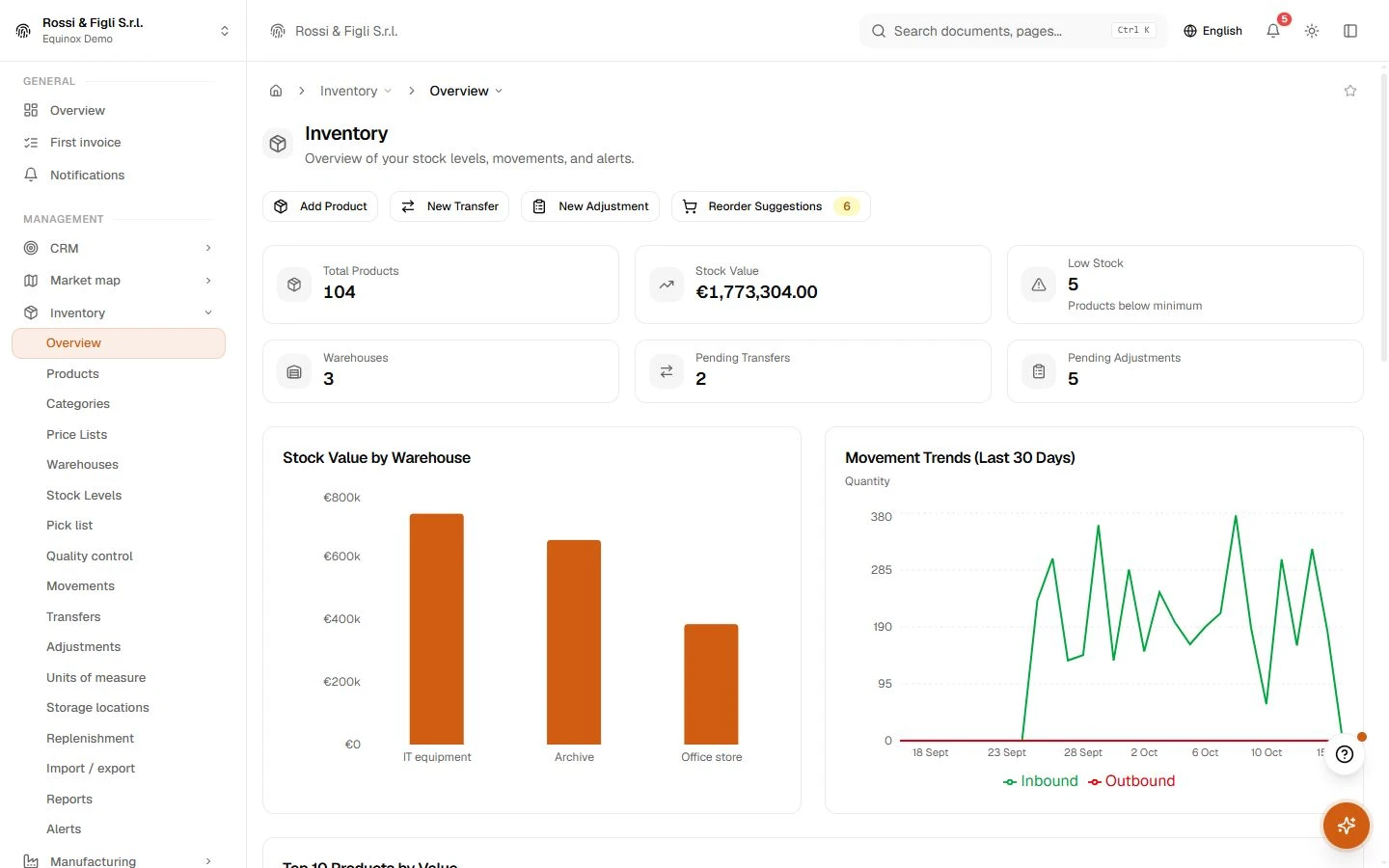
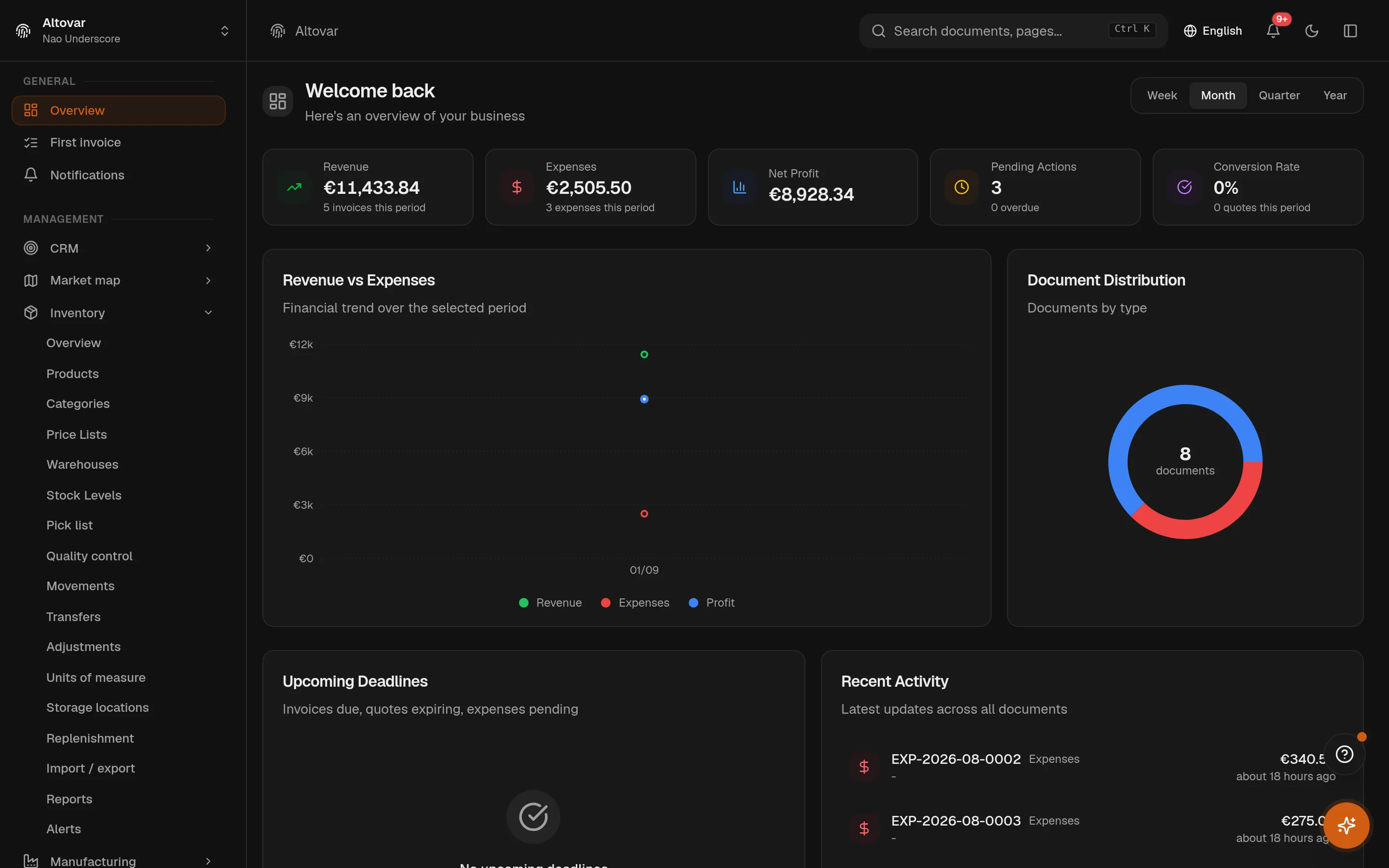
Inventory · In the plans
Stock that answers questions.
How much is there, where exactly, and since when. The warehouse module keeps quantities per warehouse and per bin, writes a movement for everything that changes them, and turns thresholds into a reorder list ordered by urgency — with automation you can raise from suggestions to hands-off, behind a spending ceiling. Seven reports read the same live data your team works on.
Availability depends on your Equinox plan.

Features
Inside the module.
Explore the working areas, records and tools available in this module.
Stock Adjustments
Record stock corrections, counts, and adjustments
Storage locations
Manage bins and shelves where stock is kept
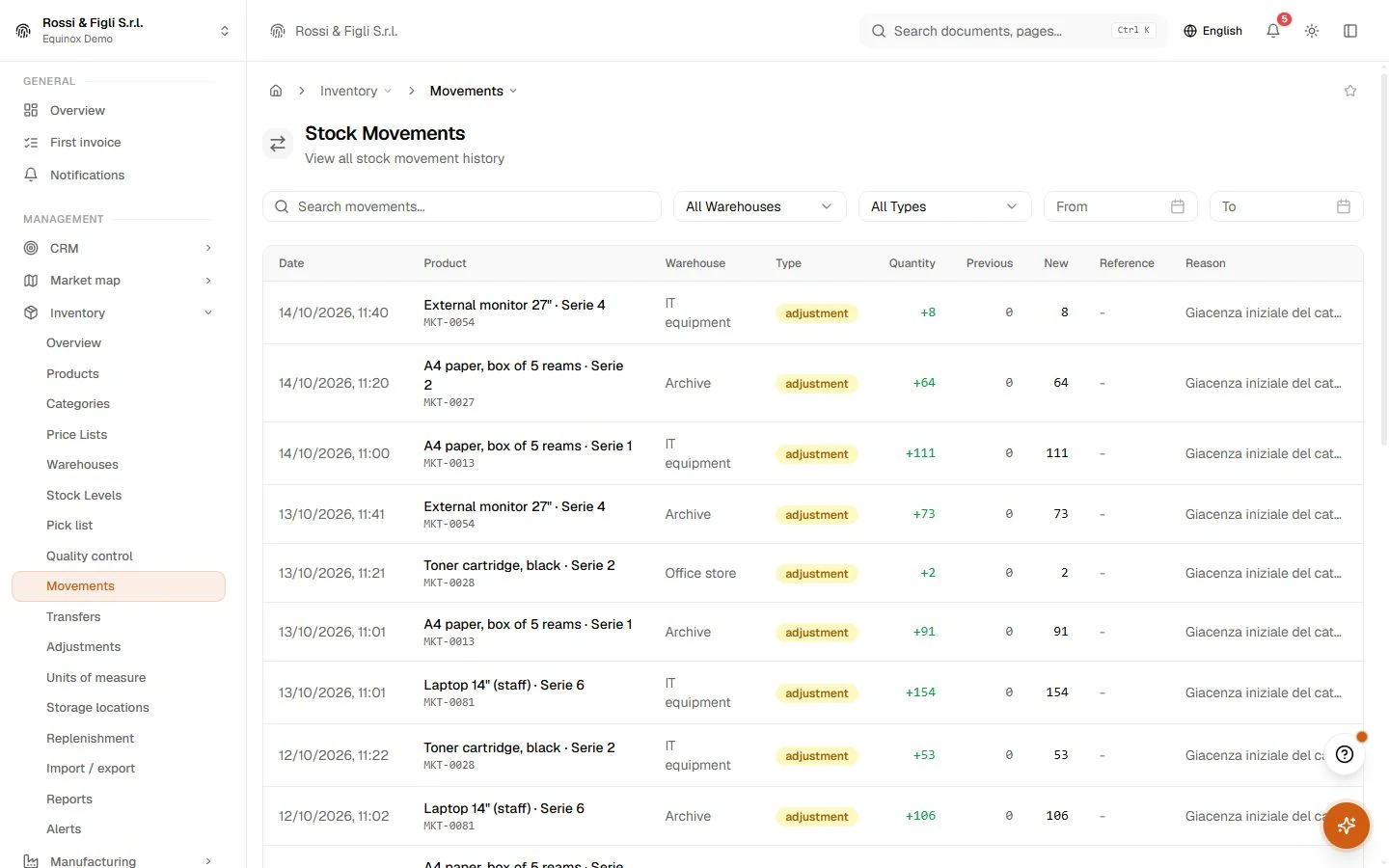
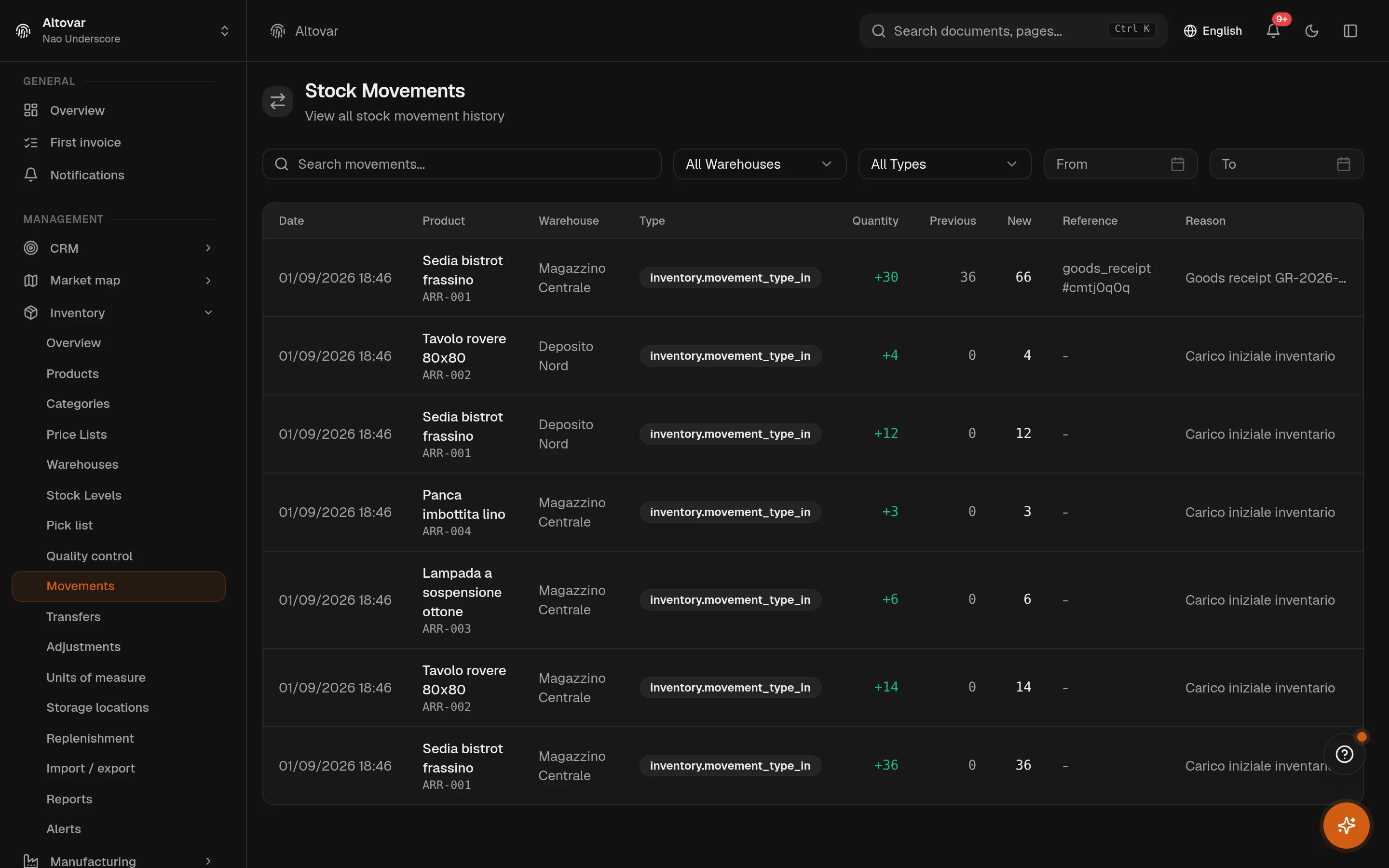
Stock Movements
View all stock movement history
Pick list
Availability-aware pick list, sorted by bin
Quality control
Track received-goods inspections and pass/fail rates
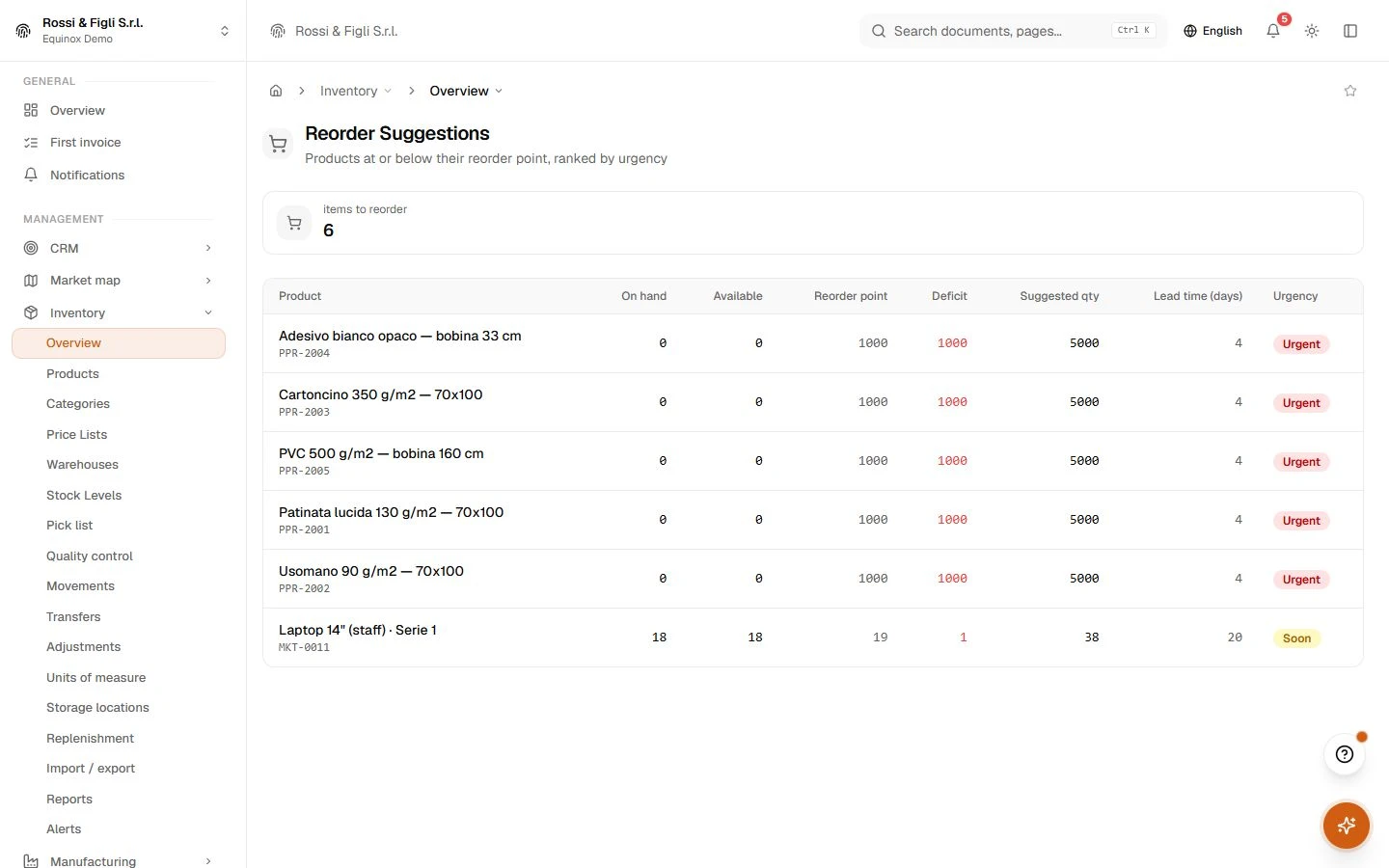
Reorder Suggestions
Products at or below their reorder point, ranked by urgency
Replenishment automation
Decide how automatically low stock is reordered from suppliers.
Inventory reports
Valuation, dead stock, and movement analytics for your inventory
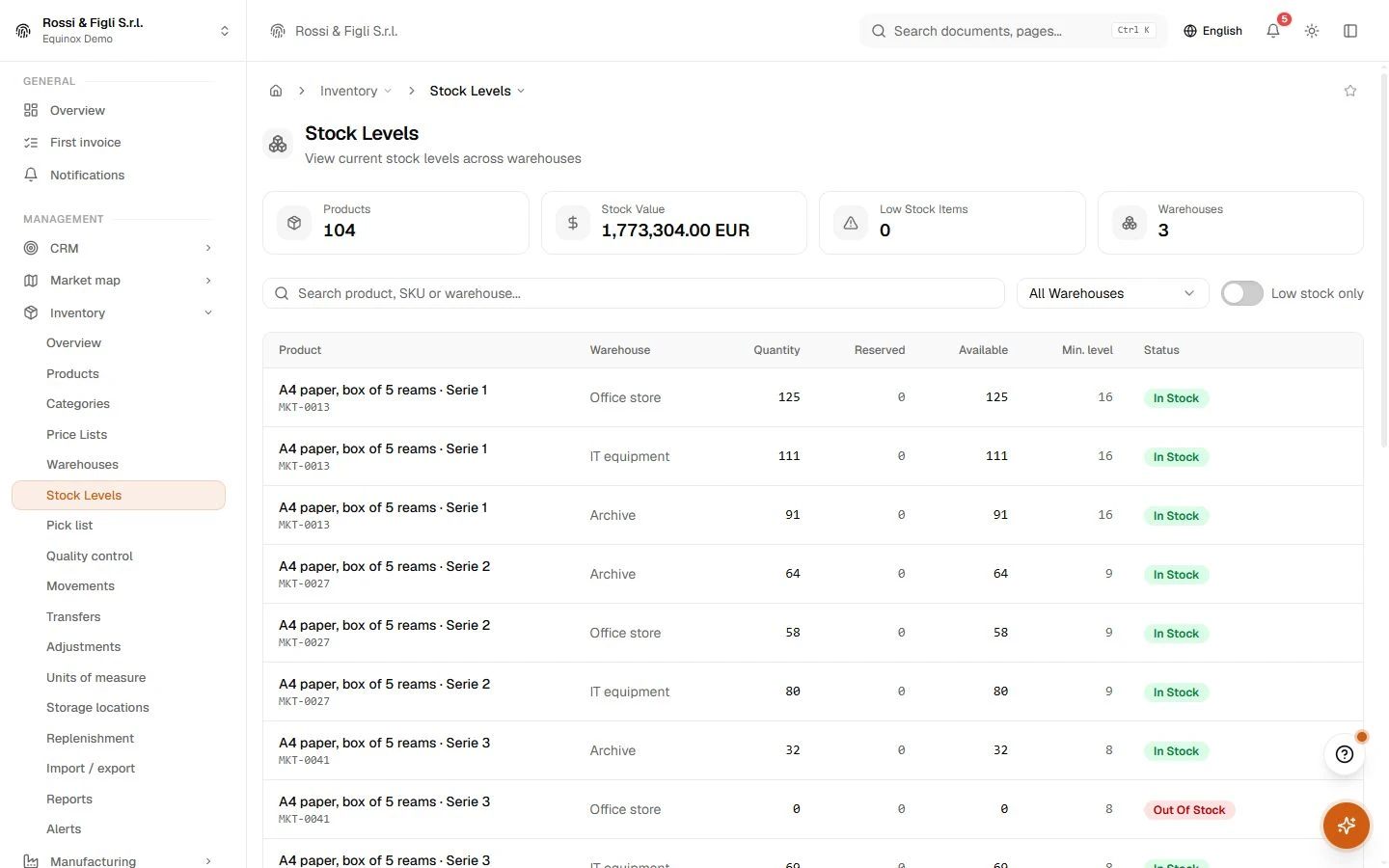
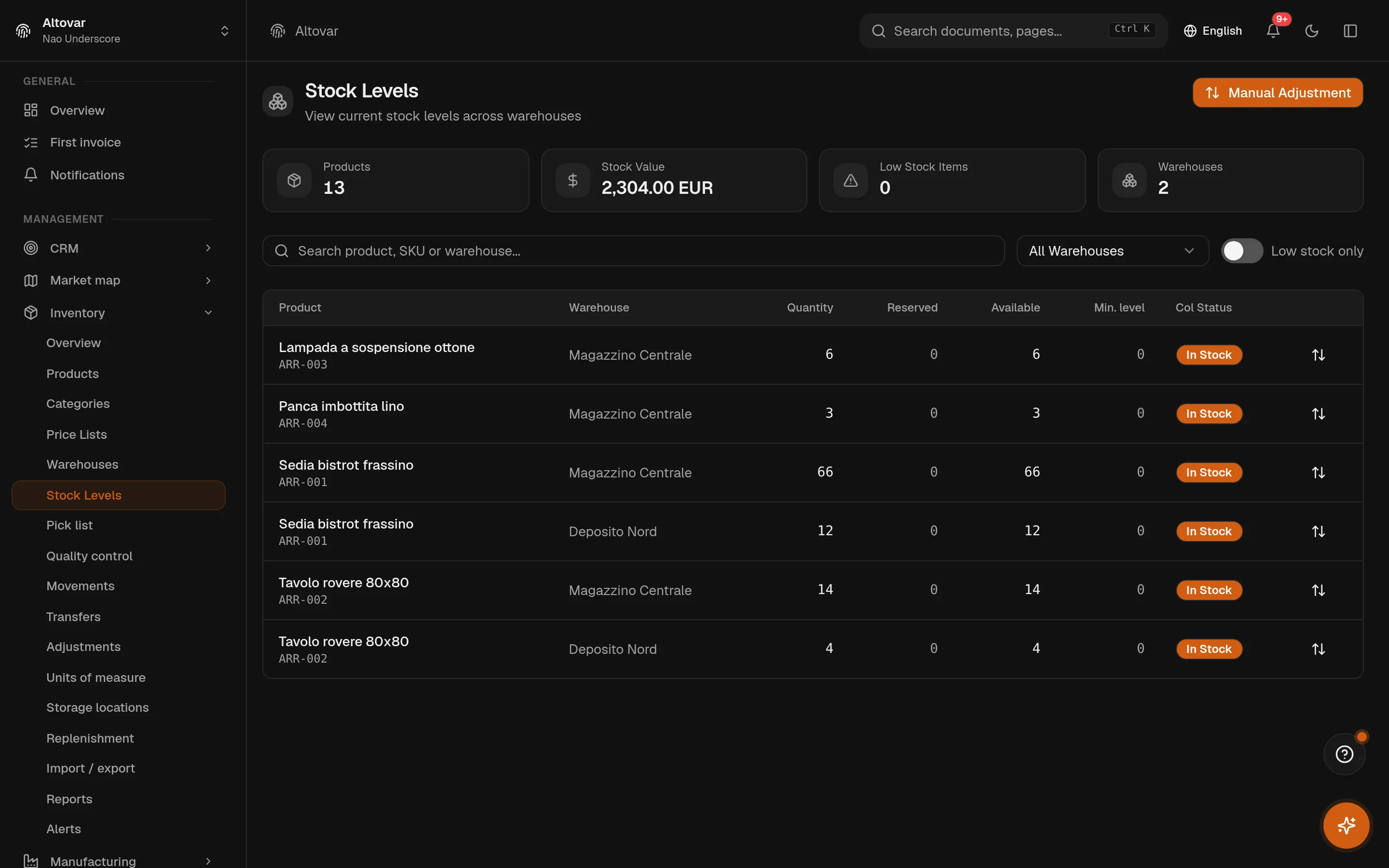
Stock Levels
View current stock levels across warehouses
Stock Transfers
Transfer stock between warehouses
Warehouses
Organise warehouses and the locations used to track stock.
No matching features. Try a different word.
Inventory
How it works
Products that carry their logistics
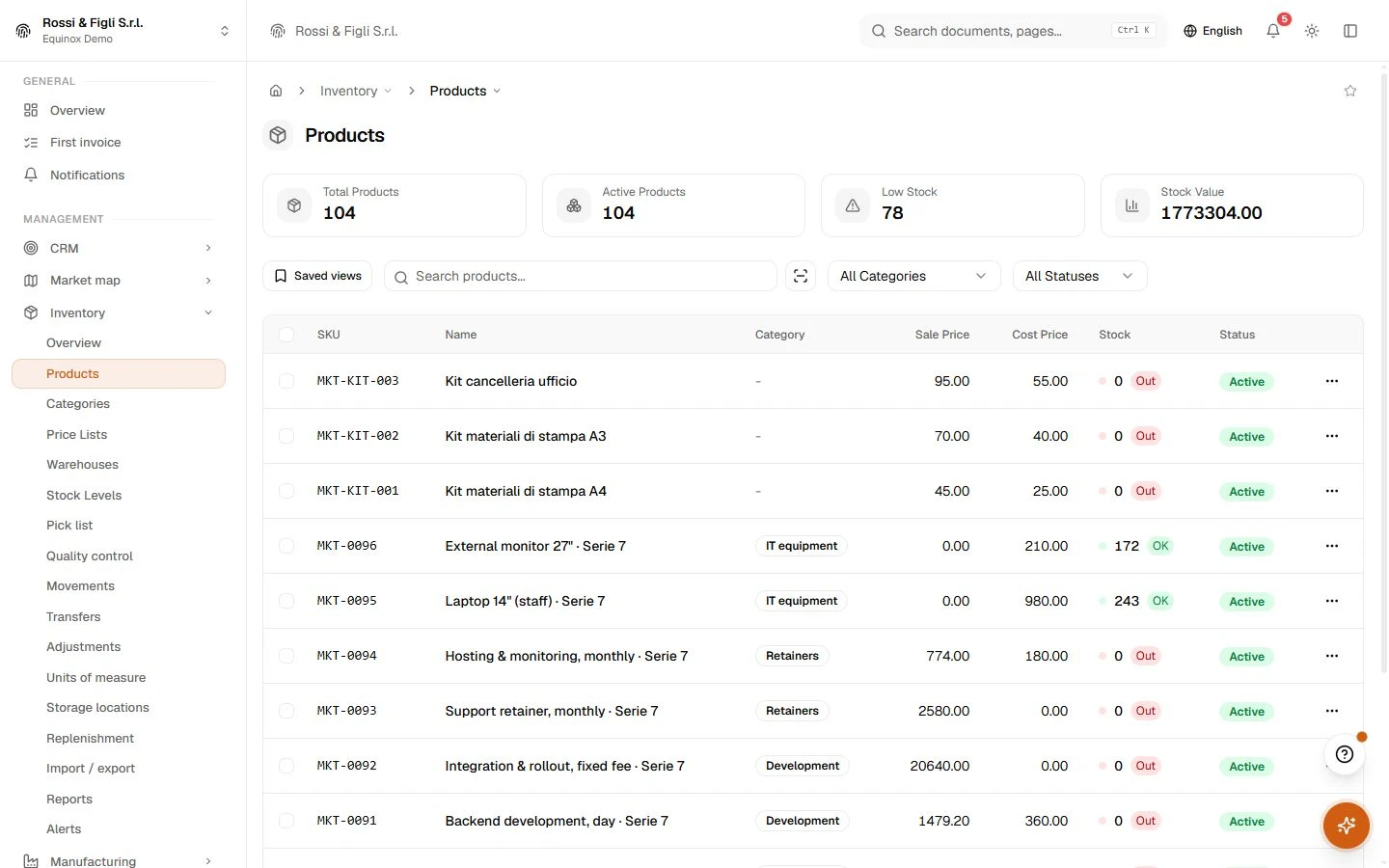
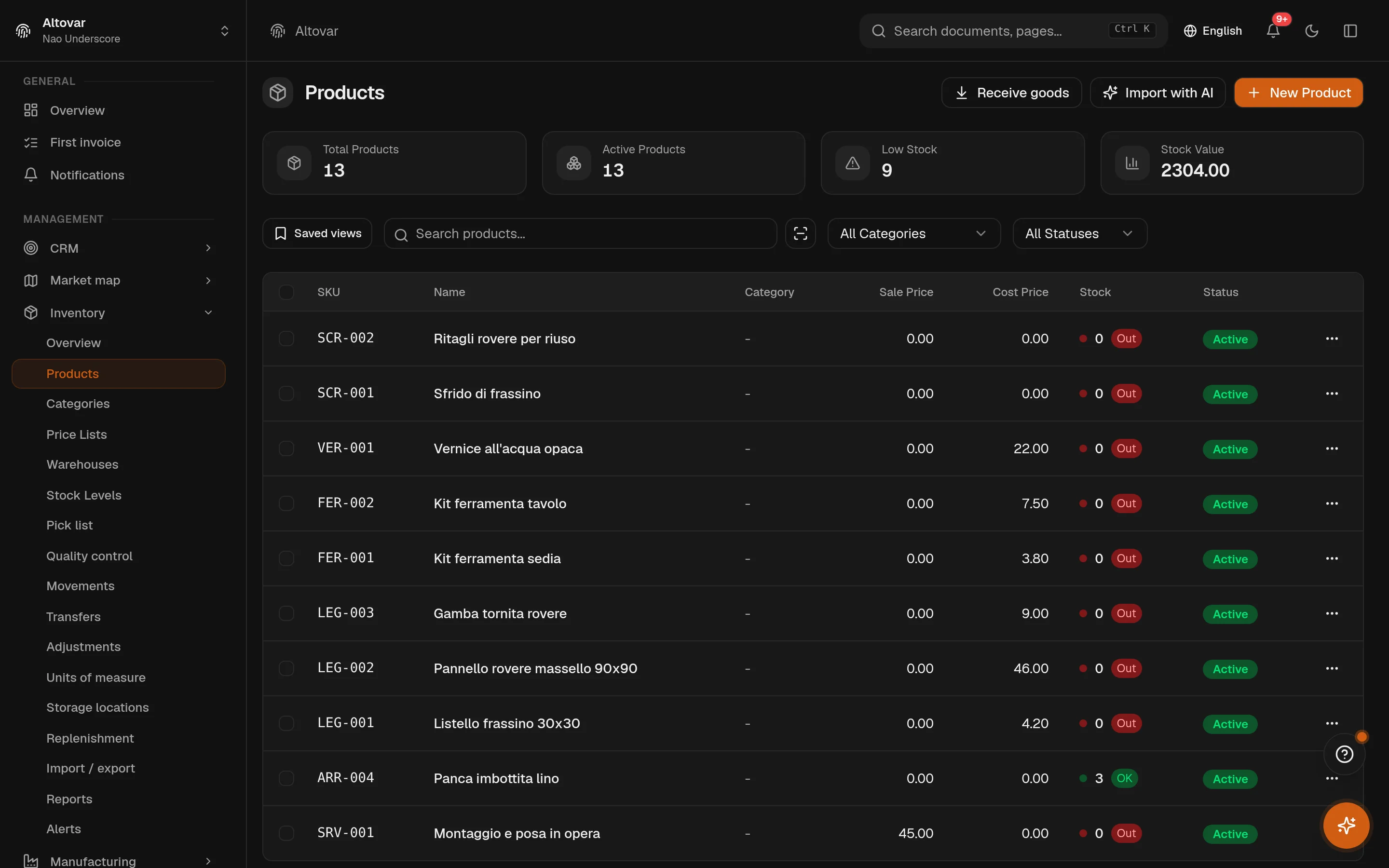
A product is more than a price: barcode (the module can generate a valid EAN-13 for in-store use, check digit included), alternative codes, variants with their own SKUs, lots with shelf life, alternative units of measure with conversion factors, weight and dimensions, and the reorder parameters — minimum, reorder point, reorder quantity, lead time. The camera scanner works from the browser, for search and for data entry.
Quantities you can point at
Stock is kept per product, per warehouse, per variant — and underneath, per bin. The stock page shows on-hand and reserved side by side with a low-stock filter; the bins page places every location on the floor plan of the warehouse. When the physical count disagrees with the system, a reconciliation writes the correcting movements instead of silently overwriting the numbers.
A movement for everything
Loads, unloads, corrections, damage, returns, sales, purchases, transfers between warehouses — every change of quantity is a movement with its before and after, its reason, its reference and its author. Transfers are documents of their own, drafted and then processed; adjustments can require an approval before they touch stock. The movements page is the audit trail, filterable by type, warehouse and date.
Reordering that starts calm and can go fast
The reorder page ranks what needs buying by urgency — how far under the threshold, times how long the supplier takes. From there, automation is a dial, not a switch: suggestions only; draft purchase orders prepared for you; an autonomous agent that negotiates within policy; and a hands-off mode that requires an explicit acknowledgement to enable. A daily spending ceiling caps whatever mode you choose.
- Reports
- 7 built invaluation, dead stock, movements, ABC, forecast, supply and anomalies — each a tab on the reports page, each reading the live movement ledger, not a nightly copy.
- Reorder
- Thresholds, then automationproducts at or under their reorder point, ranked by deficit × lead time. Automation has four steps — suggest, draft orders, autonomous agent, hands-off — gated by a daily spending ceiling and an explicit sign-off before the last one.
- Locations
- Bins, on a mapzone, aisle, rack and level per bin, with barcode and capacity, drawn on the warehouse floor plan. Per-bin quantities are kept as a satellite ledger you can move between bins and reconcile against the totals.
- Import & export
- CSV, both waysproducts and stock counts, in and out, files up to 5 MB. The AI extraction reads free text, CSV or PDF documents — scanned PDFs included; a photo alone is not supported, and nothing is written without your confirm.
In practice
The work, step by step.
Explore the activities this module brings together. Choose a step to see what you can manage.
Locate stock
Check product quantities across warehouses and their storage locations.
Record movements
Register stock movements, warehouse transfers and inventory adjustments.
Plan replenishment
Review replenishment requirements before placing the next purchase order.
Start with the way you work.
Equinox
Start with the way you work.
Tell us about your processes. We can identify the modules and configuration that fit your business.
Talk about your project